
Key facts
- Brand
- Philips
- Model
- SPC1000NC
- Category
- Monitoring Equipment
- Industry
- Electronics
- Documents
- 2
- Languages
- EN · ZH
- Last added
- 2012-03-23
Start here
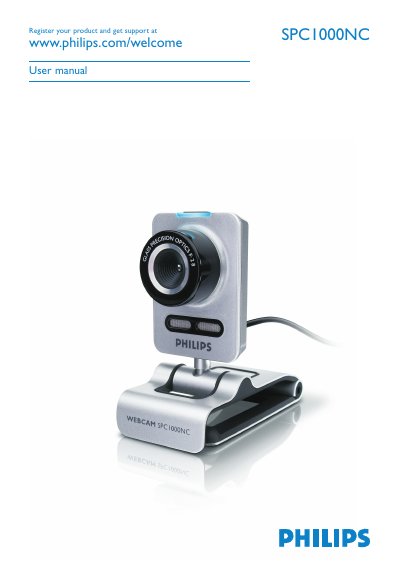
Philips SPC1000NC WebCam User Guide
This manual introduces the Philips SPC1000NC WebCam, describing its components, functions, and the various applications such as video chatting, video e‑mail, and snapshot imaging. It includes a detailed table of contents covering everything from unpacking to operating the device.
The guide walks you through installing the supplied software on Windows XP or Vista, connecting the webcam via USB, configuring general, video, audio, and feature settings, and outlines safety precautions, system requirements, and environmental disposal information. Technical specifications of the camera sensor and optics are also listed.
Philips SPC1000NC specifications
| Maximum video resolution | 1.3 MP CMOS |
|---|---|
| Maximum still image resolution | 1.3 MP |
| Frames per second | 30 fps |
| F‑number | 2.8 |
| Lens view angle | 80 degrees |
| Minimum illumination | < 5 lux |
All Philips SPC1000NC documents by type
Day-to-day operation, settings and troubleshooting. Start here if the product is already set up.
Questions answered in these manuals
What are the system requirements for the SPC1000NC WebCam?
You need Windows XP or Vista, a Pentium III 800 MHz processor (or equivalent), 512 MB RAM, 100 MB free hard‑disk space, one USB port and a CD‑ROM/DVD drive.
What is the maximum video resolution of the SPC1000NC?
The webcam supports up to 1.3 MP CMOS real video resolution.