
Key facts
- Brand
- Philips
- Model
- SPC900NC
- Category
- Monitoring Equipment
- Industry
- Electronics
- Documents
- 4
- Languages
- ZH
- Last added
- 2012-03-23
Start here
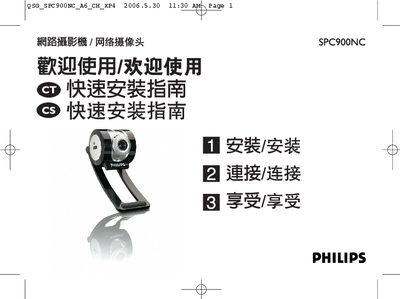
Philips SPC900NC Network Camera Quick Start Guide
The guide provides step‑by‑step instructions for installing the camera’s driver and Philips VLounge Advanced software from the supplied CD‑ROM. It covers language selection, driver installation, and finishing the setup on both Windows XP and later versions.
After installation, the guide shows how to connect the camera to a PC or notebook via the USB cable, secure it to a monitor or desk, and start using the bundled applications such as Skype, MSN Messenger, and AOL Instant Messenger for video communication. This manual is written in Chinese.
Philips SPC900NC specifications
| Sensor | CCD |
|---|---|
| Resolution | VGA |
| Maximum frame rate | 90 fps |
| Lens | F2.2, D55? |
| White balance range | 2600–7600 K |
| Color depth | 24 bit |
| USB interface | USB 2.0 |
| Dimensions (W×H×D) | 74 × 142 × 74 mm |
| Weight | 115 g |
All Philips SPC900NC documents by type
Day-to-day operation, settings and troubleshooting. Start here if the product is already set up.
The shortest path to a working setup, usually only a few pages.
Questions answered in these manuals
What operating systems are supported by the SPC900NC webcam?
The webcam works with Microsoft Windows 98, Windows ME, Windows 2000, and Windows XP.
What are the minimum PC specifications required for the webcam?
A Pentium II 500 MHz processor (or faster) and at least 128 MB of RAM are required.
What type of image sensor does the Philips SPC900NC use?
It uses a CCD image sensor.
What is the maximum image resolution of the SPC900NC?
The camera can capture up to 130 million pixels.