
Key facts
Start here
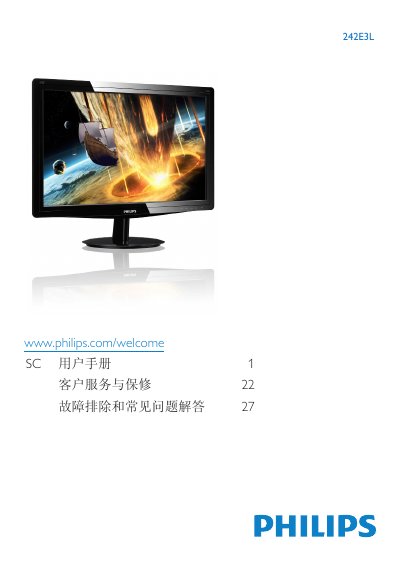
Philips 242E3L Monitor User Manual
This user manual covers important safety measures, installation steps, and operation guidelines for the Philips 242E3L LCD monitor. It explains how to install the base, connect VGA/DVI inputs, adjust the on‑screen display (OSD) settings, and use SmartContrast features.
The document also lists the technical specifications, power‑management options, environmental disposal information, warranty conditions, and a detailed troubleshooting and FAQ section to help resolve common display issues. This manual is written in Chinese.
Philips 242E3L specifications
| LCD panel type | TFT‑LCD |
|---|---|
| Backlight type | W‑LED |
| Screen size | 23.6 inches |
| Resolution | 1920 × 1080 |
| Contrast ratio | 1,000:1 |
| SmartContrast | 10,000,000:1 |
| Brightness | 250 cd/m² |
| Pixel pitch | 0.272 mm × 0.272 mm |
| Viewing angles (H/V) | 170° / 160° |
| Color gamut | 16.7 million colors |
| Response time | 30 – 83 ms |
| Active power consumption | 15.6 W |
| Standby power consumption | 0.1 W |
| Energy Star rating | 5.0 |
| Dimensions (with stand) | 583 × 443 × 238 mm |
| Weight (with stand) | 3.87 kg |
| Operating temperature | 0 °C to 40 °C |
| Storage temperature | -20 °C to 60 °C |
| Relative humidity | 20 % – 80 % |
| MTBF | 30,000 hours |
| Connectivity | DVI‑D (HDCP) and VGA |
All Philips 242E3L documents by type
Day-to-day operation, settings and troubleshooting. Start here if the product is already set up.
Questions answered in these manuals
Does the Philips 242E3LSB have an Energy Star rating?
Yes, it is certified to Energy Star 5.0.
What are the brightness and contrast specifications?
Brightness is 250 cd/m² and the native contrast ratio is 1,000:1, with SmartContrast up to 10,000,000:1.
How do I set the monitor to its recommended resolution?
Set the display resolution to 1920 × 1080 at 60 Hz, which is the monitor’s native resolution.
What is the recommended refresh rate for this LCD monitor?
The recommended refresh rate is 60 Hz; you may increase it up to 75 Hz to check for interference.