
Key facts
- Brand
- Philips
- Model
- SPZ2000
- Category
- Monitoring Equipment
- Industry
- Electronics
- Documents
- 3
- Languages
- EN · ZH
- Last added
- 2012-03-23
Start here
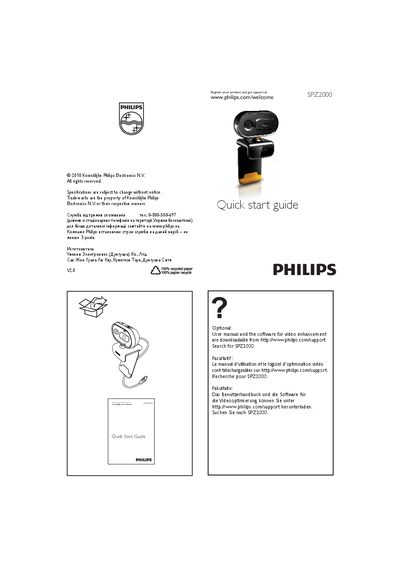
Philips SPZ2000 Security Camera Quick Start Guide
This Quick Start Guide provides basic setup instructions for the Philips SPZ2000 security camera. It includes registration information and links to download the full user manual and video‑enhancement software from the Philips support website (search for SPZ2000).\n\nThe webcam is plug‑and‑play compatible with most video‑chat applications on Windows Vista, Windows XP with Service Pack 2, and Windows 7. For video recording, the maximum resolution supported is 640 × 480 (VGA). If compatibility issues arise, the latest driver can be downloaded from the Philips support site.
Read onlinePhilips SPZ2000 specifications
| Maximum video recording resolution | 640×480 (VGA) |
|---|---|
| Operating temperature | 0 °C – 40 °C |
| Relative humidity range | 45 % – 85 % |
All Philips SPZ2000 documents by type
Day-to-day operation, settings and troubleshooting. Start here if the product is already set up.
The shortest path to a working setup, usually only a few pages.
Questions answered in these manuals
What is the maximum video recording resolution of the SPZ2000?
The maximum video recording resolution is 640 × 480 pixels (VGA).
Which Windows versions are supported by the SPZ2000 webcam?
The webcam works plug‑and‑play with Windows Vista, Windows XP with Service Pack 2, and Windows 7.
Why does my PC run slowly when using the Philips SPZ2000 webcam?
Close any unnecessary software applications while the webcam is in use.
There is no image on the screen when the webcam is connected. What should I do?
Make sure the webcam is properly connected, check that no other application is using it, and close any other applications that might be accessing the camera.
My computer runs slower when using the Philips SPZ2000 webcam. What should I do?
Close unnecessary software applications.