
Key facts
- Brand
- Philips
- Model
- SPC1030NC
- Category
- Monitoring Equipment
- Industry
- Electronics
- Documents
- 2
- Languages
- ZH · EN
- Last added
- 2012-03-23
Start here
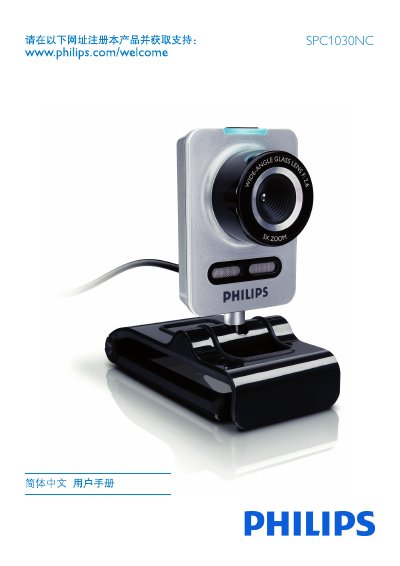
Philips SPC1030NC Network Camera User Manual
This manual introduces the Philips SPC1030NC network camera, covering safety precautions, environmental limits, system requirements, and the items included in the package. It explains how to register the product online, install the supplied software, and connect the camera to a PC or laptop.
The guide details the use of Philips CamSuite for adjusting image, audio, and advanced settings, and includes troubleshooting tips, FAQ, and instructions for resetting the camera to factory defaults. This manual is written in Chinese.
Philips SPC1030NC specifications
| Operating Temperature | 0°C to 40°C |
|---|---|
| Minimum RAM | 256 MB |
| Minimum Disk Space | 200 MB free |
All Philips SPC1030NC documents by type
Day-to-day operation, settings and troubleshooting. Start here if the product is already set up.
Questions answered in these manuals
How can I adjust the image quality of the SPC1030NC camera?
Image quality can be adjusted in the camera’s property pages via the Philips CamSuite application.
How do I restore the camera to its factory default settings?
Open Philips CamSuite, go to the General tab, click the Reset button, and confirm to restore all settings to factory defaults.
What software is used to view the camera?
The camera is operated with Philips CamSuite software.
Where can the user guide be downloaded?
The guide is available on the Philips website at www.philips.com/welcome.