
Key facts
- Brand
- Philips
- Model
- SPC1300NC
- Category
- Monitoring Equipment
- Industry
- Electronics
- Documents
- 3
- Languages
- EN · ZH
- Last added
- 2012-03-23
Start here
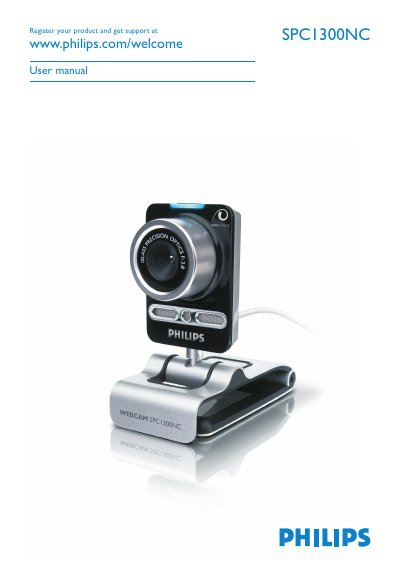
Philips SPC1300NC WebCam User Guide
User Manual 28 pages · 4.8 MB · EN
This guide walks you through unpacking the SPC1300NC, installing the supplied software on a Windows XP or Vista PC, and connecting the webcam via USB. It includes detailed steps for software installation, driver setup, and configuring video, audio, and feature settings.
Safety precautions, environmental disposal instructions, system requirements, and a full list of technical specifications are also provided, along with troubleshooting tips and FCC compliance information.
Philips SPC1300NC specifications
| Still image resolution (max) | 1.3 MP |
|---|---|
| F-number | 2.8 |
| Lens view angle | 80 degrees |
| Minimum subject illumination | < 5 lux |
| Data format | 1420, IYUV |
| USB cable length | 2.1 m |
| Power source | Supplied via USB |
| Voltage requirements | 5 V, 0.5 A |
All Philips SPC1300NC documents by type
User Manual 3
Day-to-day operation, settings and troubleshooting. Start here if the product is already set up.
Questions answered in these manuals
Which operating systems are supported for the webcam software?
The software supplied with the SPC1300NC works on Microsoft Windows XP and Vista.
What temperature range is safe for using the webcam?
The webcam may be used in environments from 0 °C to 40 °C.