
This is a quick start guide for SPZ2000. It describes the features and functions of the product, such as optional user manual and software download, and the solution for system compatibility issues.
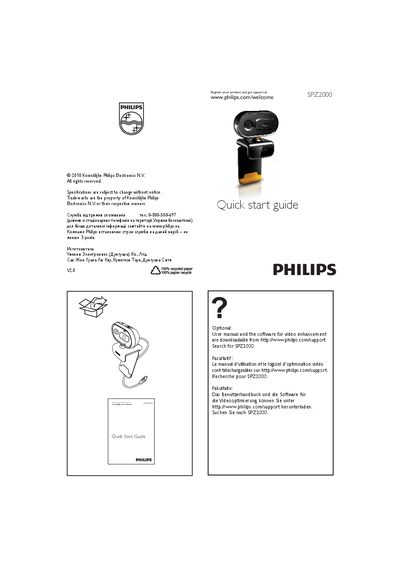
This Quick Start Guide provides basic setup instructions for the Philips SPZ2000 security camera. It includes registration information and links to download the full user manual and video‑enhancement software from the Philips support website (search for SPZ2000).\n\nThe webcam is plug‑and‑play compatible with most video‑chat applications on Windows Vista, Windows XP with Service Pack 2, and Windows 7. For video recording, the maximum resolution supported is 640 × 480 (VGA). If compatibility issues arise, the latest driver can be downloaded from the Philips support site.
| Maximum video resolution | 640 x 480 (VGA) |
|---|---|
| Operating system compatibility | Windows Vista, Windows XP (SP 2), Windows 7 (plug‑and‑play) |
The maximum video recording resolution is 640 × 480 pixels (VGA).
The webcam works plug‑and‑play with Windows Vista, Windows XP with Service Pack 2, and Windows 7.