
This manual provides the use of the SPC900NC, including product composition, installation and connection, operation methods, fault handling, etc.
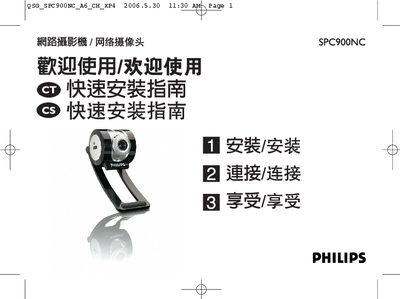
The guide provides step‑by‑step instructions for installing the camera’s driver and Philips VLounge Advanced software from the supplied CD‑ROM. It covers language selection, driver installation, and finishing the setup on both Windows XP and later versions.
After installation, the guide shows how to connect the camera to a PC or notebook via the USB cable, secure it to a monitor or desk, and start using the bundled applications such as Skype, MSN Messenger, and AOL Instant Messenger for video communication. This manual is written in Chinese.