
This is a manual for SPC630NC
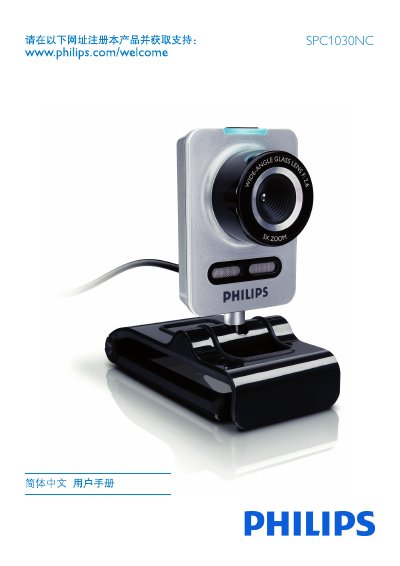
This manual introduces the Philips SPC1030NC network camera, covering safety precautions, environmental limits, system requirements, and the items included in the package. It explains how to register the product online, install the supplied software, and connect the camera to a PC or laptop.
The guide details the use of Philips CamSuite for adjusting image, audio, and advanced settings, and includes troubleshooting tips, FAQ, and instructions for resetting the camera to factory defaults. This manual is written in Chinese.
| Operating Temperature | 0°C to 40°C |
|---|---|
| Minimum RAM | 256 MB |
| Minimum Disk Space | 200 MB free |
Image quality can be adjusted in the camera’s property pages via the Philips CamSuite application.
Open Philips CamSuite, go to the General tab, click the Reset button, and confirm to restore all settings to factory defaults.
Try repositioning the receiving antenna, increase isolation between the device and the receiver, or connect the camera to a different electrical circuit.