
This manual describes how to use the Agilent 4395A Voltage Source
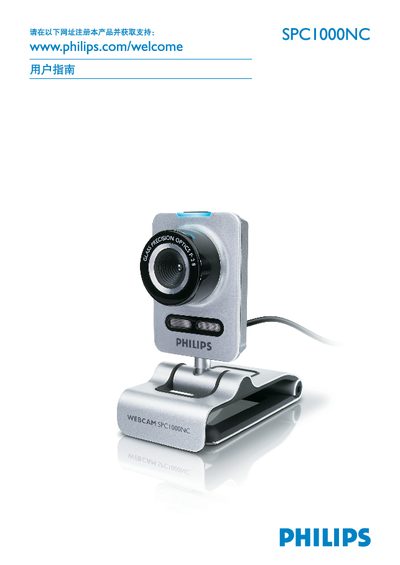
Philips SPC1000NC is a network camera for video chat, video email, snapshots, and video recording. It has a manual focus ring, rotatable camera mount, clip/stand, USB connection, and built-in digital microphone, and is powered through USB.
Installation uses the included CD-ROM on a PC running Microsoft Windows XP or Vista. The manual also covers safety precautions, settings, operation, motion detection, publishing video online, technical specifications, system requirements, and support information. This manual is written in Chinese.
| Operating system | Microsoft Windows XP or Vista |
|---|---|
| Memory | 512 MB RAM and 100 MB hard disk space |
| Ports and drives | One free USB port and CD-ROM or DVD drive |
| Operating conditions | 0°C to 40°C and 45% to 85% relative humidity |
The included software can only be installed on PCs with Microsoft Windows XP or Vista.
Use the webcam at 0°C to 40°C and 45% to 85% relative humidity.
Clean the exterior with a soft cloth.
No, do not use the webcam in water.