
Key facts
- Brand
- Philips
- Model
- PPX120
- Category
- Projector
- Industry
- Electronics
- Documents
- 2
- Languages
- EN
- Last added
- 2026-11-11
Start here
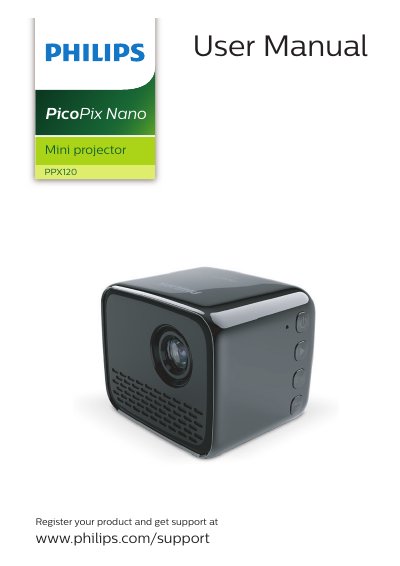
Philips PPX120 PicoPix Nano Mini Projector User Manual
This user manual covers the Philips PPX120 PicoPix Nano mini projector, including safety information, product overview, initial operation, placement, power supply, and home menu access.
It also explains connections to playback devices and external audio, wireless projection with Android and iOS devices, USB projection, WiFi connection, media playback, settings changes, and service topics such as battery care, cleaning, software updates, and troubleshooting.
Philips PPX120 specifications
| Charging time before first use | 1.5 hours |
|---|---|
| Supported iPhone iOS versions for screen mirroring | iOS 7/8/9/10 and 11 |
| Audio output | 3.5 mm |
Source: Philips PPX120 PicoPix Nano Mini Projector User Manual
All Philips PPX120 documents by type
Day-to-day operation, settings and troubleshooting. Start here if the product is already set up.
Questions answered in these manuals
How do I turn the projector on or off?
Press and hold the button for three seconds.
From: Philips PPX120 PicoPix Nano Mini Projector User Manual
How long should I charge the projector before first use?
Charge it for 1.5 hours before first use.
From: Philips PPX120 PicoPix Nano Mini Projector User Manual
How long should I charge the projector before first use?
Charge the projector for 1.5 hours before first use.
From: Philips PPX120 PicoPix Nano Mini Projector User Manual
Which iPhone iOS versions support wireless screen mirroring?
The projector works with iPhones with iOS 7/8/9/10 and 11.
From: Philips PPX120 PicoPix Nano Mini Projector User Manual