
This document is the user manual of the Philips PicoPix Nano Mini projector. It introduces the product's features and characteristics and how to use it.
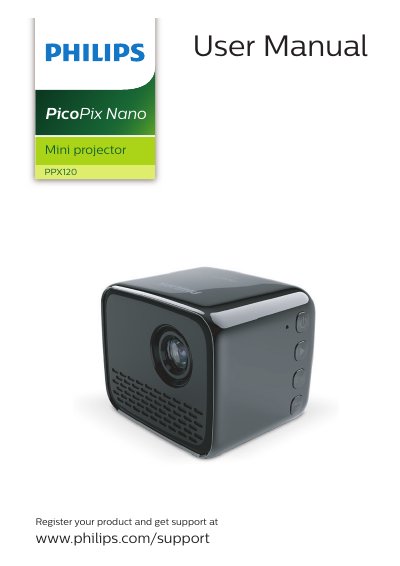
This user manual covers the Philips PPX120 PicoPix Nano mini projector, including safety information, product overview, initial operation, placement, power supply, and home menu access.
It also explains connections to playback devices and external audio, wireless projection with Android and iOS devices, USB projection, WiFi connection, media playback, settings changes, and service topics such as battery care, cleaning, software updates, and troubleshooting.
| Charging time before first use | 1.5 hours |
|---|---|
| Supported iPhone iOS versions for screen mirroring | iOS 7/8/9/10 and 11 |
| Audio output | 3.5 mm |
Charge the projector for 1.5 hours before first use.
The projector works with iPhones with iOS 7/8/9/10 and 11.
Yes, it has a 3.5 mm audio output for external speakers or headphones.