
Philips PPX120 PicoPix Nano Mini Projector User Manual

User manual for the Philips PPX120 PicoPix Nano mini projector, covering safety, setup, connections, wireless projection, media playback, settings and service.
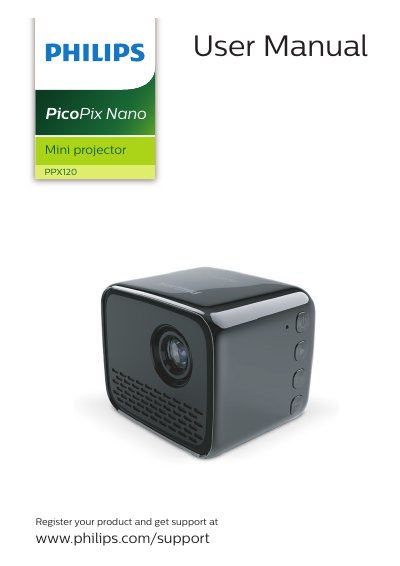

Philips PPX120 PicoPix Nano Mini Projector User Manual - cover page
Brand
Philips
Category
Projector
Document type
User Manual
Language
English
Pages
19
File format
PDF
File size
2.2 MB
Published
11 November, 2026
Updated
11 November, 2026
Model
PPX120
MD5 checksum
1A703F1A9A89A4218198A9CDA21ABC95

About this manual

Philips PPX120 PicoPix Nano is a mini projector. This user manual covers safety information, product overview, initial operation, connections, wireless projection, media playback, settings and service.

The manual describes rear and side controls, power and battery operation, charging, media playback, settings changes, cleaning, software updates and troubleshooting.

What's inside

  • General safety information
  • Overview
  • Initial operation
  • Connect to playback devices
  • Wireless projection with Android devices
  • Wireless projection with iOS devices
  • Connect to WiFi network
  • Media playback
  • Change settings
  • Service

Frequently asked questions

How do I turn the projector on or off?

Press and hold the button for three seconds.

How long should I charge the projector before first use?

Charge it for 1.5 hours before first use.

Which phones support wireless screen mirroring?

Miracast-compatible Android phones and iPhones with iOS 7/8/9/10 and 11.

Can the projector run on battery power?

Yes, it can be operated by either external power or built-in battery.

Download PDF (2.2 MB)

More Philips Manuals


View all Philips manuals →