
Key facts
Start here
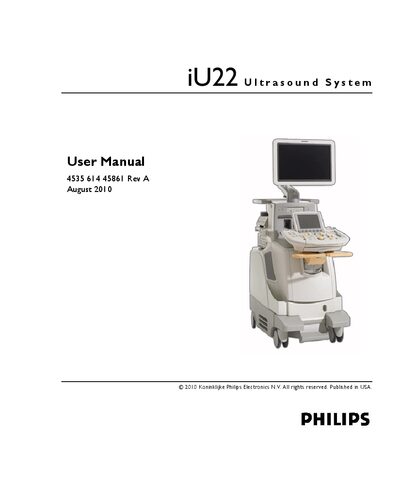
Philips iU22 Ultrasound System User Manual
This manual covers the iU22 ultrasound system, including safety warnings, system components, and overall capabilities. It details the required preparations, transducer options, and connectivity features for clinical use.
The guide explains how to operate the system, customize settings, use voice control, manage transducers, and perform examinations. It also includes maintenance, troubleshooting, and security procedures to ensure reliable performance.
Philips iU22 specifications
| Frequency range | 15 to 7 MHz |
|---|---|
| Array type | Phased linear array with 128 elements |
| Tip width | 1.5 cm (0.6 in) |
| Shaft length | 1.0 m (3.3 ft) |
All Philips iU22 documents by type
Day-to-day operation, settings and troubleshooting. Start here if the product is already set up.
Questions answered in these manuals
How do I turn the iU22 system on and off?
Use the On/Off (Power) control on the control module as described in the "Turning the System On and Off" section.
How can I pair a headset for voice control?
Pair the headset via the Voice Control settings; see the "Pairing Headsets" section for detailed steps.
How do you power on or off the iU22 system?
Use the Power ON / OFF control shown in the system overview section.
From: Philips iU22 Ultrasound System Advanced System Training Manual
How can images be exported from the iU22?
Select Export Media and choose JPG or AVI format.
From: Philips iU22 Ultrasound System Advanced System Training Manual