
Key facts
Start here
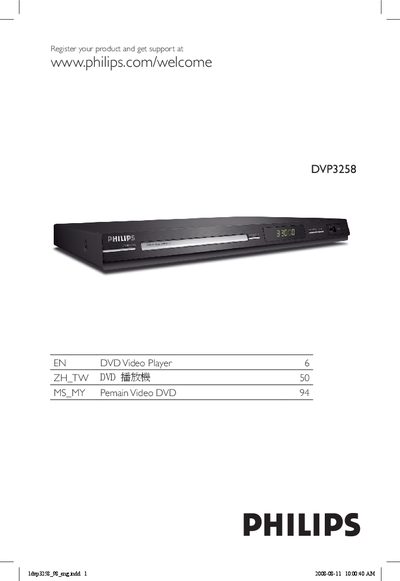
Philips DVP3258 DVD Player User Manual
The Philips DVP3258 DVD Player User Manual provides detailed information on installing, connecting, and operating the DVD player. It includes safety warnings, recommended placement, and a step‑by‑step guide for connecting to a TV, audio system, and USB devices.
The manual also covers playback features such as region codes, progressive‑scan settings, USB file support, and troubleshooting tips. A full specifications table and glossary of terms are included for quick reference.
Philips DVP3258 specifications
| Supported video formats | PAL/50Hz (NTSC/60Hz) |
|---|---|
| Supported audio formats | MPEG‑1, MPEG‑2, MP3, AC‑3 |
| Audio output | 2‑channel front R/L |
| Power supply | 110V – 240V, 50/60Hz |
All Philips DVP3258 documents by type
Day-to-day operation, settings and troubleshooting. Start here if the product is already set up.
Questions answered in these manuals
How do I start or pause playback?
Press the PLAY/PAUSE button on the remote control.
How can I connect a USB device for audio playback?
Insert the USB flash drive into the USB port; the player will recognize MP3/WMA files.
Why does it take so long to display the contents on my USB device?
It can be slow when the USB device contains many files (over 500) or large files (over 1 MB).
What types of file system does the unit support for USB playback?
The player supports only FAT16 and FAT32 file systems; NTFS is not supported.
How do I create MP3 files directly from a CD?
Use the one‑key MP3 creation function to convert CD audio to MP3 and store the files on a USB flash drive without a computer.
What are the power requirements of the DVD player?
It operates on 110‑240 V, 50/60 Hz and consumes less than 10 W during use and less than 1 W in standby.