
Key facts
- Brand
- Philips
- Model
- SHB9100
- Category
- Other
- Industry
- Electronics
- Documents
- 3
- Languages
- EN · ZH
- Last added
- 2026-11-15
Start here
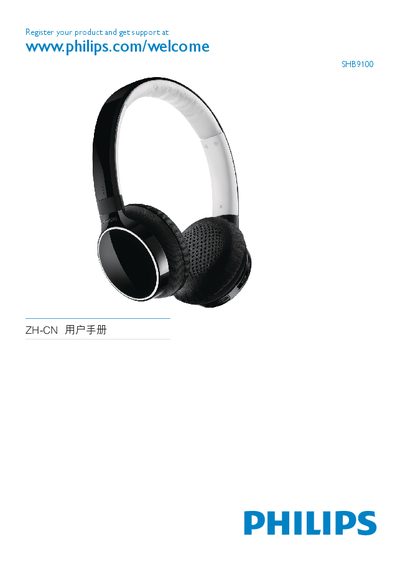
Philips SHB9100 Quick Start Guide
This guide provides the essential steps to get the Philips SHB9100 Bluetooth headset up and running. It includes product registration, charging instructions, audio jack usage, and Bluetooth pairing procedures.
The document also contains the EC Declaration of Conformity for the headset, confirming compliance with European standards and providing regulatory information. This manual is written in Chinese.
All Philips SHB9100 documents by type
Day-to-day operation, settings and troubleshooting. Start here if the product is already set up.
The shortest path to a working setup, usually only a few pages.
Questions answered in these manuals
Bluetooth headset does not switch on.
Check if the headset is charged and try turning it on again.
Fail to pair with a mobile phone.
Ensure the headset is charged, turned off, and in pairing mode (LED flashes white and blue alternately).
How do I charge the SHB9100 headset?
Connect the headset to a power source using the charging slot shown on the device.
From: Philips SHB9100 Bluetooth Stereo Headset Quick Start Guide
How do I pair the SHB9100 headset via Bluetooth?
Activate Bluetooth on your device and follow the pairing procedure described for the Bluetooth stereo headset.
From: Philips SHB9100 Bluetooth Stereo Headset Quick Start Guide