
Key facts
Start here
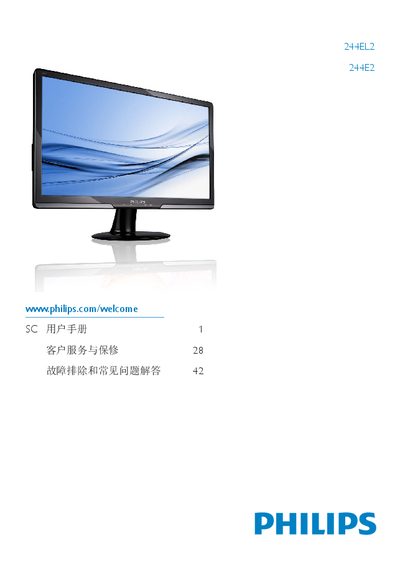
Philips 244EL2/244E2 User Manual
User Manual 49 pages · 2.4 MB · ZH
This manual covers important safety measures, proper handling, and warranty conditions for the Philips 244EL2/244E2 monitor. It explains how to set up the stand, connect power and video cables, and adjust the on‑screen display (OSD) features such as Smartmage Lite, SmartContrast, and Philips SmartControl Lite.
The document also includes technical specifications, power‑management options, and a detailed troubleshooting and FAQ section that addresses common issues like image retention, color adjustments, wall‑mounting, and compatibility with PC, Mac, and workstations. This manual is written in Chinese.
Philips 244E2 specifications
| Operating Temperature | 0‑40 °C (32‑95 °F) |
|---|---|
| Relative Humidity | 20‑80 % RH |
| Native Resolution | 1920 × 1080 @ 60 Hz |
| Color Temperature Options | 6500 K and 3000 K |
Source: Philips 244EL2/244E2 User Manual
All Philips 244E2 documents by type
User Manual 1
Day-to-day operation, settings and troubleshooting. Start here if the product is already set up.
Other documents 1