
Key facts
- Brand
- Philips
- Model
- DVDR9000H
- Category
- Other Electronics
- Industry
- Electronics
- Documents
- 2
- Languages
- EN
- Last added
- 2011-11-19
Start here
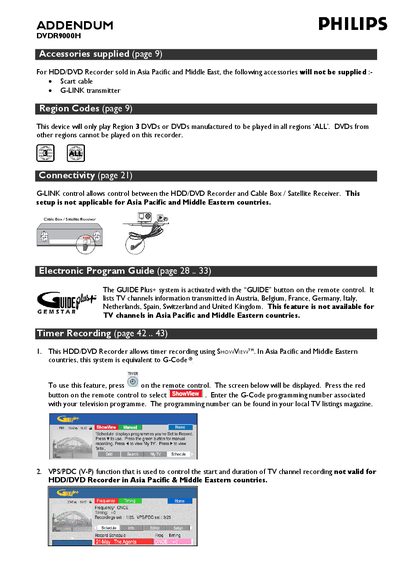
Philips DVDR9000H DVD Recorder User Manual
This manual covers the Philips DVDR9000H DVD Recorder, describing the supplied accessories, region code restrictions (Region 3 or all‑region discs), and optional connectivity such as G‑LINK control and GUIDE Plus+ features. It also explains the laser specifications, video output options, and the various language‑specific notes for different markets.
The guide walks users through installation steps, remote‑control functions, timer and ShowView recording, disc library management, playback options, editing recorded titles, and system menu settings. Safety information, plug wiring instructions for the UK version, and a full list of on‑screen symbols are included, along with troubleshooting tips and specifications.
Philips DVDR9000H specifications
| Laser type | Semiconductor laser (InGaAIP for DVD, AlGaAs for CD) |
|---|---|
| Wavelength | 658 nm (DVD), 790 nm (CD) |
| Output Power | 30 mW (DVD+RW write), 1.0 mW (DVD read), 1.0 mW (CD read) |
| Beam angle | 84° (DVD), 61° (CD) |
| Region code support | Region 3 DVDs and all‑region DVDs |
All Philips DVDR9000H documents by type
Day-to-day operation, settings and troubleshooting. Start here if the product is already set up.
Questions answered in these manuals
What region DVDs can the DVDR9000H play?
It can play Region 3 DVDs and discs marked as all‑region; DVDs from other regions are not supported.
What safety warning is given about laser exposure?
The device emits visible and invisible laser radiation when opened; users should avoid exposure to the beam.
What is the laser wavelength for DVD reading?
The DVD reading laser operates at a wavelength of 658 nm.
How can I update the recorder’s software?
Visit www.philips.com/support to download and install software upgrades.