
Key facts
- Brand
- Philips
- Model
- 1300 series
- Category
- Television
- Documents
- 2
- Languages
- EN · ZH
- Last added
- 2012-03-22
Start here
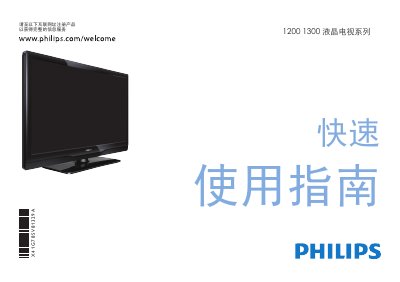
Philips 1200/1300 Series TV Quick Start Guide
This quick‑start guide helps users register their Philips 1200/1300 series LCD TV and get it up and running fast. It lists the items included in the box – TV, remote with two AAA batteries, power cord, quick‑start guide, warranty card and base – and shows how to install the batteries and attach the base.
The guide also explains the various input ports (HDMI, component YPbPr, AV, USB) and recommends using HDMI for the best picture quality. Additional operation details and support information are available on the Philips website. This manual is written in Chinese.
Philips 1300 series specifications
| HDMI Input | Supported |
|---|---|
| Component (YPbPr) Input | Supported |
| AV Input | Supported |
| USB Input | Supported |
All Philips 1300 series documents by type
Day-to-day operation, settings and troubleshooting. Start here if the product is already set up.
The shortest path to a working setup, usually only a few pages.
Questions answered in these manuals
How do I set the correct voltage for my region?
Use the dual voltage selector and set it to 110‑120V for regions with lower mains voltage or to 220‑240V for higher voltage regions.
How should I clean the soleplate?
After the iron has cooled, wipe the soleplate with a damp cloth and a non‑abrasive liquid cleaner.
How do I install the batteries in the remote?
Open the battery cover on the back of the remote, insert two AAA batteries as shown, and close the cover.
Which input should I use for the best picture quality?
Use the HDMI input for the best picture quality; component (YPbPr) is secondary, and AV is standard.