
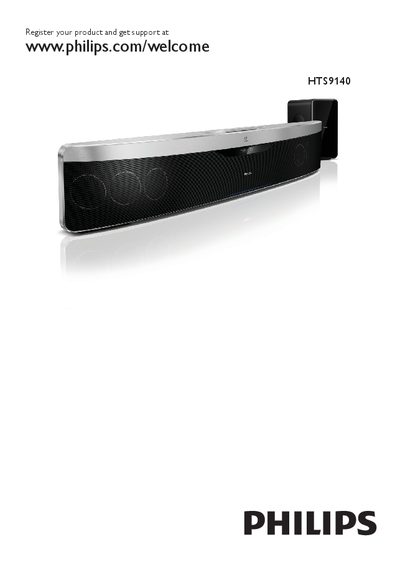
This manual guides you through registering the HTS9140, connecting it to TV, audio sources, and networks, and using the remote control. It also explains how to access menus, change video and audio settings, and use advanced features such as EasyLink and BD‑Live.
Safety, product maintenance, and disposal information are included, along with detailed troubleshooting steps for common issues like subtitle problems, USB playback errors, and network connectivity. This manual is written in Chinese.
Visit www.philips.com/welcome HTS9140 and follow the registration instructions.
Avoid looking directly at the laser beam and do not touch the optical lens inside the disc compartment.
Make sure the subtitle file name matches the video file name and select the correct character set in the options menu.