
Key facts
- Brand
- Philips
- Model
- AJ7045D
- Category
- Clocks and Timers
- Industry
- Electronics
- Documents
- 2
- Languages
- EN · TR
- Last added
- 2026-11-11
Start here
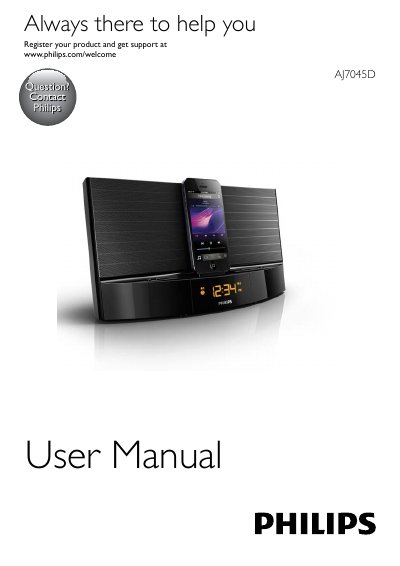
Philips AJ7045D Clock Radio User Manual
This is the user manual for the Philips AJ7045D clock radio, a dock-style radio with a built-in dock for iPod/iPhone, an FM tuner and an AUDIO IN socket for external devices. It covers the main unit and remote control controls, first-time setup, and the safety and battery-swallowing warnings.
The guide explains how to install the remote control battery and connect power, set the clock (12/24-hour), play and charge a docked iPod/iPhone, tune and store FM stations (up to 20 presets), set alarm and sleep timers, and adjust display brightness. It ends with product specifications, troubleshooting tips and notice information.
Philips AJ7045D specifications
| Rated Output Power | 20W RMS |
|---|---|
| Tuning Range | FM: 87.5 - 108 MHz |
| AC Power | Model AS190-100-AE180; input 100-240 V~, 50/60 Hz, 0.7 A; output 10 V 1.8 A |
| Operation Power Consumption | <15 W |
| Standby Power Consumption | <1 W |
| Max. load for iPod/iPhone | 5 V 1 A |
| Dimensions - Main Unit (W x H x D) | 290 x 159 x 113 mm |
| Weight - Main Unit | 1.36 kg |
All Philips AJ7045D documents by type
Day-to-day operation, settings and troubleshooting. Start here if the product is already set up.
Questions answered in these manuals
Which iPod and iPhone models are compatible with the Philips AJ7045D?
The manual lists iPod touch (5th generation), iPod nano (7th generation) and iPhone 5.
How many FM radio stations can I store?
You can store a maximum of 20 FM radio stations.
How do I set the time on the Philips AJ7045D?
In standby mode, press and hold SET TIME for two seconds until the hour format flashes, use the tuning keys to select 12H or 24H, press SET TIME to confirm, then set the hour and minutes using the same keys.
How do I set an alarm on the Philips AJ7045D?
In standby, press and hold AL1/AL2 for two seconds until the hour flashes, use the tuning keys to set the hour, press AL1/AL2 to confirm, then set the minutes and alarm volume the same way.