
Philips AJ7045D clock radio user manual: clock and alarm setup, iPod/iPhone dock playback, FM radio presets, specifications and troubleshooting.
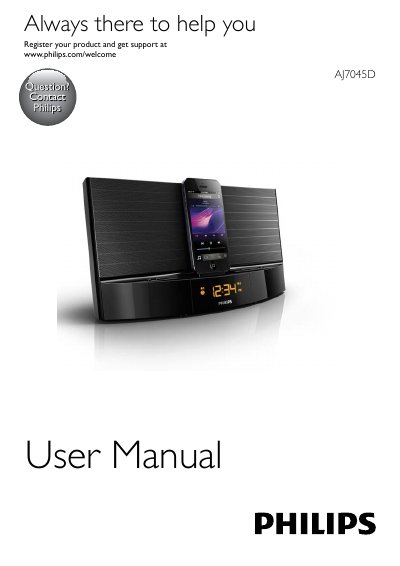
This is the user manual for the Philips AJ7045D clock radio, a dock-style radio with a built-in dock for iPod/iPhone, an FM tuner and an AUDIO IN socket for external devices. It covers the main unit and remote control controls, first-time setup, and the safety and battery-swallowing warnings.
The guide explains how to install the remote control battery and connect power, set the clock (12/24-hour), play and charge a docked iPod/iPhone, tune and store FM stations (up to 20 presets), set alarm and sleep timers, and adjust display brightness. It ends with product specifications, troubleshooting tips and notice information.
| Rated Output Power | 20W RMS |
|---|---|
| Tuning Range | FM: 87.5 - 108 MHz |
| AC Power | Model AS190-100-AE180; input 100-240 V~, 50/60 Hz, 0.7 A; output 10 V 1.8 A |
| Operation Power Consumption | <15 W |
| Standby Power Consumption | <1 W |
| Max. load for iPod/iPhone | 5 V 1 A |
| Dimensions - Main Unit (W x H x D) | 290 x 159 x 113 mm |
| Weight - Main Unit | 1.36 kg |
The manual lists iPod touch (5th generation), iPod nano (7th generation) and iPhone 5.
You can store a maximum of 20 FM radio stations.
In standby mode, press and hold SET TIME for two seconds to activate clock setting mode, then set the hour format, hour and minute.
The troubleshooting section advises setting the clock/alarm correctly.