
Key facts
- Brand
- Philips
- Model
- 241P4
- Category
- Monitor
- Industry
- Electronics
- Documents
- 3
- Languages
- ES · EN
- Last added
- 2026-11-11
Start here
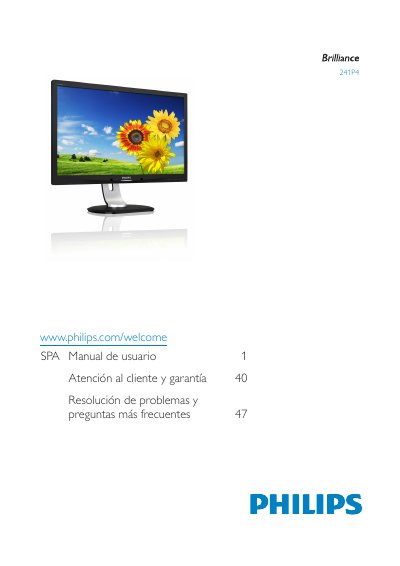
Philips 241P4 Monitor User Manual
This Philips 241P4 Monitor User Manual provides safety precautions, installation instructions, and operating guidance for the monitor. It explains how to connect cables, use the on-screen display controls, and select SmartImage viewing modes.
The manual also covers PowerSensor and ErgoSensor functions, webcam use, technical specifications, power management, customer service and warranty, plus troubleshooting and frequently asked questions. This manual is written in Spanish.
Philips 241P4 specifications
| Panel Size | 24 inch / 61 cm |
|---|---|
| Resolution | 1920 x 1080 @ 60Hz |
| Response Time (typical) | 5 ms |
| Brightness | 250 cd/m² |
| Contrast Ratio (typical) | 1000:1 |
| SmartContrast | 20,000,000:1 |
| Pixel Pitch | 0.276 x 0.276 mm |
| Viewing Angle (H/V) | 170° / 160° |
| Signal Input | DisplayPort, DVI‑D (HDCP), VGA (Analog) |
| USB Ports | USB 2.0 x4 |
| Built‑in Speakers | 1.5 W x2 |
| Height Adjustment | 130 mm |
| Power Consumption (ECO mode) | 12.3 W (typ.) |
| Power Consumption (On mode) | 21.5 W |
Source: PHILIPS 241P4LRYES Manual
All Philips 241P4 documents by type
Day-to-day operation, settings and troubleshooting. Start here if the product is already set up.
Questions answered in these manuals
How long should I wait before reconnecting the monitor after turning it off and unplugging the power cord?
Wait 6 seconds before reconnecting the cable to use it again.
What should I do if liquid penetrates inside the monitor?
Turn it off immediately and disconnect the power cord.
How much power does the monitor use in ECO mode?
In ECO mode the monitor consumes about 12.3 W typical.
Can the monitor be mounted on a VESA mount?
Yes. The monitor includes VESA mounting holes that allow it to be attached to standard VESA brackets.
Is the monitor compatible with PC and Mac computers?
Yes. All Philips monitors are fully compatible with standard PC and Mac systems; use the appropriate video cable.