
User manual for the Philips AJ7045D clock radio with alarm, covering setup, iPod/iPhone playback, FM radio, alarm timer, and troubleshooting.
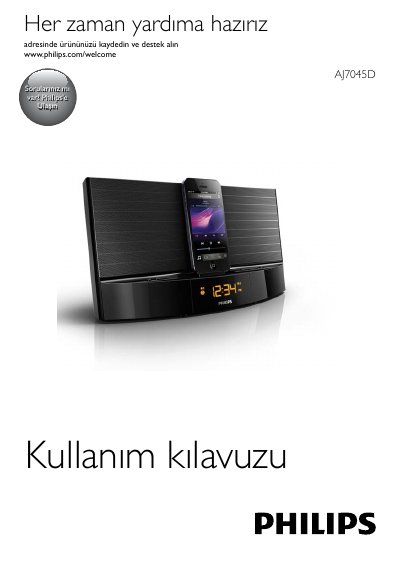
The Philips AJ7045D is a clock radio with dual alarms, FM tuner, and a dock for compatible iPod and iPhone models (iPod touch 5th gen, iPod nano 7th gen, iPhone 5). It features a remote control, sleep timer, adjustable display brightness, and an auxiliary audio input for external devices.
The manual provides safety warnings, battery handling cautions, step‑by‑step instructions for initial setup (inserting the remote battery, connecting power, setting the clock), operating the FM radio (auto/manual preset storage up to 20 stations), using the iPod/iPhone dock for playback and charging, setting alarms with selectable sources (buzzer, radio, or dock), and troubleshooting common issues such as no power, poor reception, or alarm failure. This manual is written in Turkish.
| Amplifier Nominal Output Power | 20W RMS |
|---|---|
| Radio Tuning Range | FM: 87.5 - 108 MHz |
| Sensitivity (Mono) | 26dB S/N Ratio |
| Search Selectivity | <30 dBf |
| Total Harmonic Distortion | <3% |
| Signal-to-Noise Ratio | >50 dBA |
| AC Power Adapter Model | AS190-100-AE180 |
| AC Input | 100-240 V ~, 50/60 Hz, 0.7 A |
| DC Output | 10 V 1.8 A |
| Operating Power Consumption | <15 W |
| Standby Power Consumption | <1 W |
| Max iPod/iPhone Load | 5 V 1 A |
| Dimensions (W x H x D) | 290 x 159 x 113 mm |
| Weight | 1.36 kg |
In standby mode, press and hold SET TIME for two seconds until the hour format flashes, use the tuning keys to select 12H or 24H, press SET TIME to confirm, then set the hour and minutes using the same keys.
In standby, press and hold AL1/AL2 for two seconds until the hour flashes, use the tuning keys to set the hour, press AL1/AL2 to confirm, then set the minutes and alarm volume the same way.
Up to 20 FM stations can be stored in the preset memory.
The standby power consumption is less than 1 W.