
Key facts
Start here
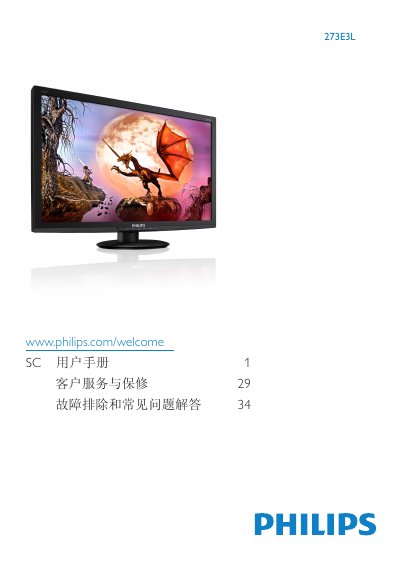
Philips 273E3L Monitor User Manual
This manual covers important safety measures, installation, and operation of the Philips 273E3L LCD monitor. It explains how to install the stand, connect video inputs (VGA, DVI‑D, HDMI), and use the on‑screen display (OSD) to adjust picture settings, color temperature, and SmartImage Lite modes.
The document also lists technical specifications such as panel type, brightness, contrast, and power consumption, and provides warranty conditions, recycling information, and a detailed troubleshooting section with common questions and solutions. This manual is written in Chinese.
Philips 273E3L specifications
| Panel type | TFT‑LCD |
|---|---|
| Backlight | WLED |
| Panel size | 27" (68.6 cm) |
| Aspect ratio | 16:9 |
| Brightness | 300 cd/m² |
| Response time (273E3L) | 5 ms |
| Native resolution | 1920 × 1080 @ 60 Hz |
| Viewing angle | 170° (H) / 160° (V) |
All Philips 273E3L documents by type
Day-to-day operation, settings and troubleshooting. Start here if the product is already set up.
Questions answered in these manuals
What should I do if the monitor shows “Cannot display this video mode”?
Set the resolution to the recommended 1920 × 1080 @ 60 Hz, adjust the refresh rate to 60 Hz, then restart the PC and reconnect the monitor.
How can I reset the monitor to its factory settings?
Press the OK button on the front panel and select “Reset” to restore all settings to the original factory defaults.
Why does SmartControl Lite stop working after switching PCs?
Restart the PC and check SmartControl Lite; if it still fails, uninstall and reinstall the software.
What refresh rate is recommended for this LCD monitor?
The recommended refresh rate is 60 Hz; you may increase it to 75 Hz to test for interference.