
Key facts
Start here
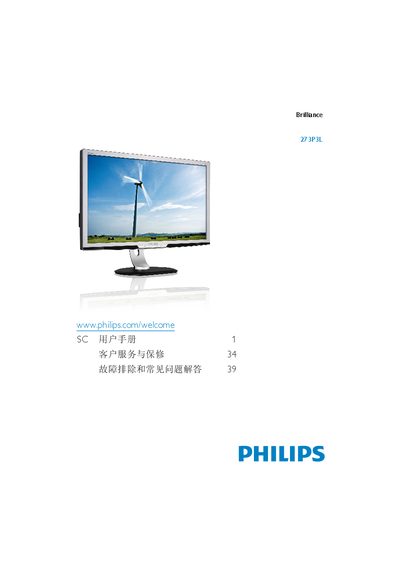
Philips 273P3L Monitor User Guide
This user guide covers important safety measures, proper handling, and maintenance for the Philips 273P3L monitor. It explains how to install the monitor, connect video and USB cables, and configure the on‑screen display (OSD) settings such as SmartImage modes and SmartContrast.
The guide also details power management, environmental requirements, disposal and recycling information, and warranty service. Troubleshooting tips address common issues like image retention, plug‑and‑play compatibility, and display clarity, helping users achieve optimal performance. This manual is written in Chinese.
Philips 273P3L specifications
| Native resolution | 1920 x 1080 @ 60 Hz |
|---|---|
| Operating temperature | 0‑40 °C (32‑95 °F) |
| Operating humidity | 20‑80 % RH |
All Philips 273P3L documents by type
Day-to-day operation, settings and troubleshooting. Start here if the product is already set up.
Questions answered in these manuals
Can I connect the Philips 273P3L monitor to a PC, workstation, or Mac?
Yes. Philips monitors are fully compatible with standard PCs, Macs and workstations.
What is image retention or ghosting on the monitor?
Long periods of static images can cause “burn‑in”, also called image retention or ghosting, which usually fades after power is removed.