
Key facts
Start here
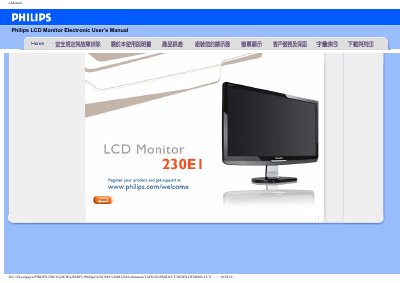
PHILIPS 230EI USER MANUAL
This manual provides safety guidelines, installation steps and troubleshooting information for the Philips 230E1 LCD monitor. It covers proper handling, environmental limits, and how to connect and power the display safely.
The FAQ section answers common questions about video mode errors, driver installation, resolution settings, USB compatibility and how to reset the monitor to factory defaults. A glossary explains technical terms and a download section offers driver files and printable PDF versions. This manual is written in Chinese.
Philips 230EI specifications
| Recommended resolution | 1920 x 1080 @ 60 Hz |
|---|---|
| Refresh rate | 60 Hz |
| Operating temperature | 0‑40 °C |
| Operating humidity | 20‑80 % RH |
Source: PHILIPS 230EI USER MANUAL
All Philips 230EI documents by type
Day-to-day operation, settings and troubleshooting. Start here if the product is already set up.
Questions answered in these manuals
What should I do if the monitor displays "Cannot display this video mode"?
Set the monitor to the recommended video mode of 1920 × 1080 @ 60 Hz, then restart the computer.
How can I reset the monitor settings to factory defaults?
Press the menu button, then the settings button and select "Reset" to restore all factory default values.
What should I do if the monitor shows “Cannot display this video mode”?
Set the display resolution to 1920 × 1080 at 60 Hz as recommended for the Philips 23‑inch monitor, then restart the computer.
How can I clean the LCD screen safely?
Turn off the monitor and unplug it, then wipe the screen with a slightly damp soft cloth. Do not use organic solvents or ammonia‑based liquids.