
Key facts
Start here
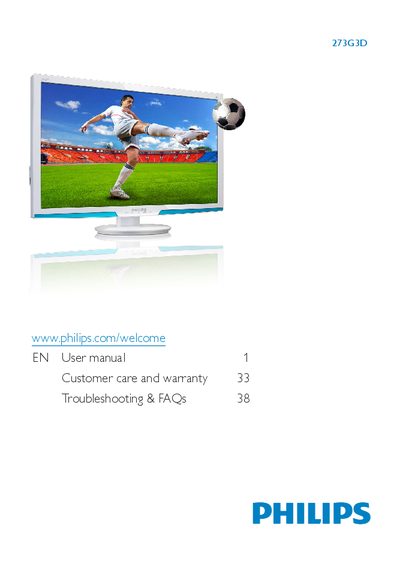
Philips 273G3D Monitor User Manual
This manual explains safety precautions, proper handling, and maintenance for the Philips 273G3D flat‑panel monitor. It includes disposal information, warranty details, and regulatory notices.
Installation steps cover unpacking, connecting power and video cables, and mounting the base stand. The guide also describes image‑optimization features, 3D viewing with TriDef software, and troubleshooting FAQs.
Philips 273G3D specifications
| Resolution | 1920 x 1080 @ 60 Hz |
|---|---|
| Operating Temperature | 0‑40 °C |
| Relative Humidity | 20‑80 % RH |
| 3D Viewing Distance | At least 45 cm |
| 3D Glasses Battery Charge Time | ≈2 hours (≈40 hours use) |
All Philips 273G3D documents by type
Day-to-day operation, settings and troubleshooting. Start here if the product is already set up.
Questions answered in these manuals
What is the recommended minimum distance for 3D viewing?
The recommended minimum distance between the viewer and the monitor is 45 cm.
How long does it take to fully charge the 3D glasses?
Full charging takes about 2 hours, after which the glasses can be used for roughly 40 hours.
Why does the monitor show garbled characters instead of clear text?
Because the monitor must be set to its native resolution of 1920 × 1080 @ 60 Hz for optimal clarity.