
Key facts
Start here
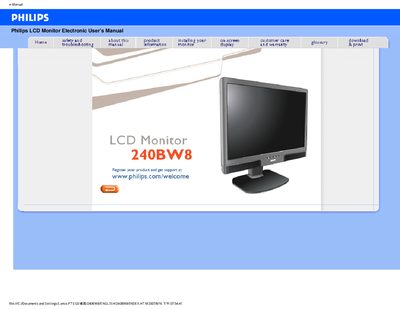
Philips 240BW8 LCD Monitor User Manual
This manual covers safety precautions, maintenance, and troubleshooting for the Philips 240BW8 LCD monitor. It explains how to avoid electrical hazards, protect the display from physical damage, and clean the screen safely.
It also details the monitor’s features such as 1920x1200 resolution, 60 Hz refresh rate, dual VGA/DVI inputs, built‑in speakers, tilt‑swivel‑height adjustment, and VESA‑mount compatibility, along with environmental specifications and warranty information.
Philips 240BW8 specifications
| Resolution | 1920x1200 |
|---|---|
| Refresh Rate | 60 Hz |
| Response Time | 5 ms |
| Inputs | VGA and DVI |
| Built‑in Speakers | Yes |
| Operating Temperature | 0‑40 °C (32‑95 °F) |
| Operating Humidity | 20‑80 % RH |
| Ergonomic Adjustment | Tilt, swivel and height‑adjustable |
All Philips 240BW8 documents by type
Day-to-day operation, settings and troubleshooting. Start here if the product is already set up.
Questions answered in these manuals
When I install my monitor what should I do if the screen shows 'Cannot display this video mode'?
Set the video mode to 1920x1200 @ 60 Hz using the Windows Display settings, then restart the computer.
What does 'refresh rate' mean for an LCD monitor?
LCD monitors display a stable, flicker‑free image at 60 Hz, and there is no visible difference between higher rates.
What should I do if the screen shows “Cannot display this video mode” during installation?
Set the computer’s display resolution to 1920 × 1200 @ 60 Hz, then restart the PC and reconnect the Philips LCD monitor.
What is the refresh rate for this LCD monitor?
The monitor operates at a stable 60 Hz refresh rate, providing a flicker‑free image.
My monitor does not power on (power indicator is off), what should I do?
Check that the power cable is properly connected to the monitor and the power source.