
Philips monitor user manual, introduces the safety measures, installation, image optimization, technical specifications, automatic power saving, regulations, customer service and warranty information of the display.
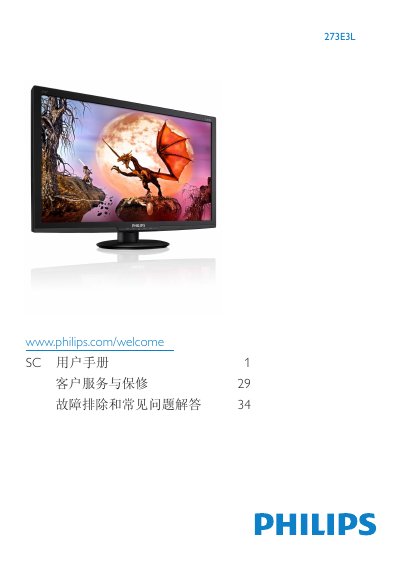
This manual explains important safety measures, warranty conditions and proper handling of the Philips 273E3L LCD monitor. It covers power‑on procedures, cleaning, transport, and environmental disposal requirements.
It then guides you through installing the stand, connecting video (VGA, DVI‑D, HDMI) and audio cables, using the OSD menu, adjusting picture modes (SmartImage Lite, SmartContrast) and configuring power‑saving features. Technical specifications such as panel size, resolution, brightness and power consumption are listed, and a troubleshooting section answers common issues. This manual is written in Chinese.
| Panel size | 27" (68.6 cm) |
|---|---|
| Native resolution | 1920 × 1080 @ 60 Hz |
| Brightness | 300 cd/m² |
| Contrast ratio (typical) | 20,000,000 : 1 |
| Response time | 5 ms (273E3L) |
| Color gamut | 16.7 million colors |
| Vertical refresh rate | 56 – 76 Hz |
| Video inputs | DVI‑D (HDCP), VGA, HDMI (optional) |
| VESA mount | 100 mm × 100 mm |
Restart the PC and check SmartControl Lite; if it still fails, uninstall and reinstall the software.
The recommended refresh rate is 60 Hz; you may increase it to 75 Hz to test for interference.