
This document is the Electronic User's Manual for Philips 220EW8 monitor, it introduces the monitor's safety measures, installation location, FAQs, troubleshooting and other related information
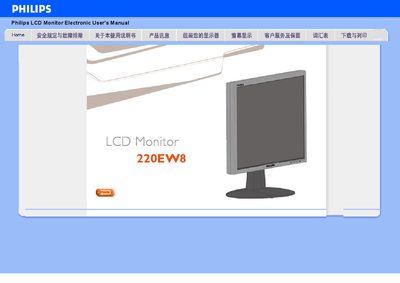
The Philips 220EW8 is a widescreen LCD monitor offering a WSXGA 1680×1050 resolution, 5 ms response time, and dual inputs for both analog VGA and digital DVI with HDCP support. It complies with RoHS standards, includes a built‑in power supply, and provides SmartImage Lite technology to optimise brightness and contrast for different content types.
The manual also covers SmartResponse, SmartManage, and power‑saving functions, and includes detailed sections on physical specifications, pin assignments, and product illustrations. Instructions for enabling SmartImage Lite and other configuration options are provided throughout.
| Resolution | WSXGA 1680×1050 |
|---|---|
| Response time | 5 ms |
| Digital input | DVI‑D with HDCP support |
| Analog input | VGA |
| Power supply | Built‑in, no external adapter needed |
It supports a WSXGA 1680×1050 resolution.
The monitor has dual inputs: an analog VGA port and a digital DVI‑D port with HDCP support.
Yes, the DVI‑D input includes HDCP support.
The manual includes a section titled “如何启用 SmartImage Lite” that explains the steps to enable the feature.