
Key facts
- Brand
- Panasonic
- Model
- WV-NW484S
- Category
- Camcorders
- Industry
- Electronics
- Documents
- 2
- Languages
- EN · ZH
- Last added
- 2012-08-08
Start here
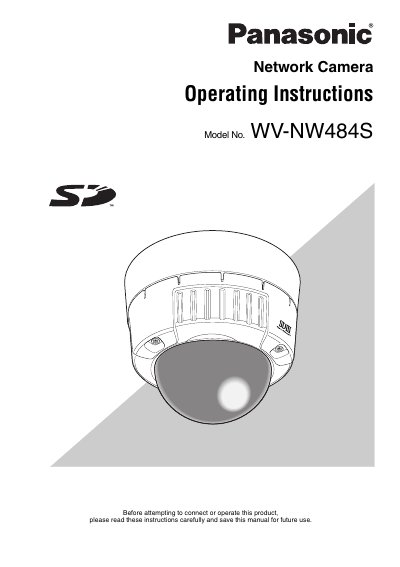
Panasonic WV-NW484S Network Camera Operating Instructions
This document provides operating instructions for the Panasonic WV-NW484S network surveillance camera. It details features such as Super Dynamic II, Auto Back Focus, Video Motion Detector (VMD), and Power over Ethernet (PoE) compliance. The manual explains how to install the unit physically and connect it to a Local Area Network (LAN).
Read onlinePanasonic WV-NW484S specifications
| Image sensor | 1/3" CCD |
|---|---|
| Effective pixels | 768(H) x 494(V) |
| Lens focal length | 3.8–8.0 mm |
| Digital zoom | 3× |
| Power consumption | 16 W |
| Dimensions | 515 mm × 159 mm × 153 mm |
| Weight | ≈1.9 kg |
All Panasonic WV-NW484S documents by type
Day-to-day operation, settings and troubleshooting. Start here if the product is already set up.
Questions answered in these manuals
What are the system requirements for a PC to view images?
The PC must have a Pentium 4 2.4 GHz or faster CPU, 512 MB memory, and Microsoft Windows 2000/XP with Internet Explorer.
From: Panasonic WV-NW484S Network Camera Operating Instructions
Does the camera support motion detection?
Yes, it includes a VMD (Video Motion Detector) function for detecting motion of an intruder.
From: Panasonic WV-NW484S Network Camera Operating Instructions
What video output formats does the camcorder support?
It supports MPEG‑4 and JPEG dual‑stream output with VGA resolution up to 30 ips.
How does the camcorder perform in low light?
It can operate down to 0.6 Lux in color mode and 0.08 Lux in black‑white mode.