
Key facts
Start here
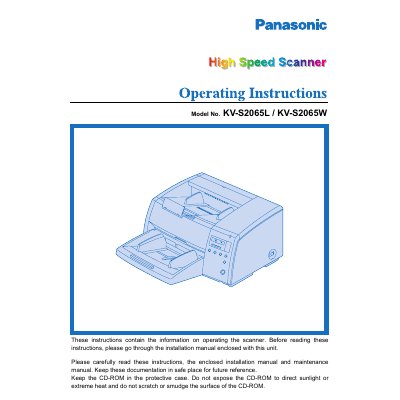
Panasonic KV-S2065L/KV-S2065W Hi-Speed Scanner Operating Instructions
This document provides operating instructions for the Panasonic KV-S2065L and KV-S2065W high-speed scanners. It details system requirements, including CPU, memory, and operating system specifications, as well as safety notices and precautions for use. The manual guides users through component identification, display panel settings, and document loading procedures.
Read onlinePanasonic KV-S2065L specifications
| CPU Requirement | Pentium 166MHZz or higher |
|---|---|
| Memory Requirement | 64 MB or higher |
| Recommended Memory | 128 MB or higher |
| Operating Systems | Windows 95 / 98 / NT / 2000 / Me / XP |
| Recommended SCSI Board | Adaptec SCSI card 2930 / 2940 / 19160 / 29160N Series |
Source: Panasonic KV-S2065L/KV-S2065W Hi-Speed Scanner Operating Instructions
All Panasonic KV-S2065L documents by type
Day-to-day operation, settings and troubleshooting. Start here if the product is already set up.
Questions answered in these manuals
What is the difference between the KV-S2065L and KV-S2065W models?
The difference between the KV-S2065L and KV-S2065W is only scanning document size.
From: Panasonic KV-S2065L/KV-S2065W Hi-Speed Scanner Operating Instructions
What are the minimum system requirements for using this scanner?
The host computer must have a CPU of Pentium 166MHZ or higher, at least 64 MB of RAM, and run Windows 95 through Windows XP.
From: Panasonic KV-S2065L/KV-S2065W Hi-Speed Scanner Operating Instructions
What safety precautions should be observed when operating the scanner?
Do not expose the scanner to rain or moisture, use only the supplied power cord, ensure proper grounding, and follow the fire‑hazard warnings provided in the manual.
From: Panasonic KV-S2065LCN / KV-S2065WCN Scanner Operating Instructions
How should the scanner rollers be cleaned?
Use only the supplied roller‑cleaning paper, avoid inhaling the cleaning liquid, keep the paper away from open flames, and store it below 40 °C (104 °F).
From: Panasonic KV-S2065LCN / KV-S2065WCN Scanner Operating Instructions