
Key facts
Start here
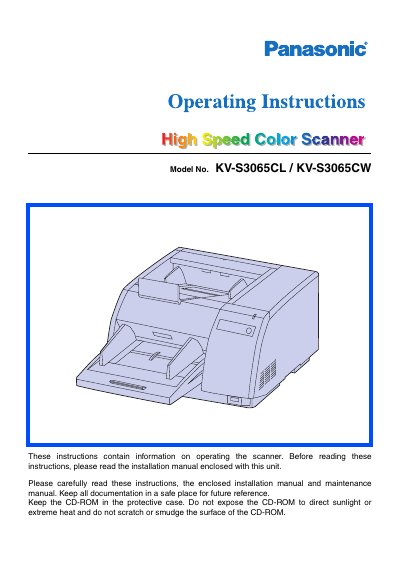
Panasonic KV-S3065CL/KV-S3065CW Hi-Ed Color Scanner Operating Instructions
This document provides operating instructions for the Panasonic Hi-Ed Color Scanner, models KV-S3065CL and KV-S3065CW. It details system requirements for host computers, including CPU, memory, and operating system specifications for both SCSI and USB connections. The manual also includes important safety warnings regarding power sources and environmental conditions.
Read onlinePanasonic KV-S3065CL specifications
| CPU Minimum | Pentium II, 1 GHz |
|---|---|
| Memory Minimum | 256 MB |
| Display Resolution | 1024x768 dots or more |
| HDD Free Space | 1 GB or more |
Source: Panasonic KV-S3065CL/KV-S3065CW Hi-Ed Color Scanner Operating Instructions
All Panasonic KV-S3065CL documents by type
Day-to-day operation, settings and troubleshooting. Start here if the product is already set up.
Questions answered in these manuals
Can I use a USB hub to connect the scanner?
No, it is not guaranteed to work if you connect the scanner to a USB hub.
From: Panasonic KV-S3065CL/KV-S3065CW Hi-Ed Color Scanner Operating Instructions
What is the recommended interface for faster scanning?
You should use a USB 2.0 interface because the scanning speed of USB 1.1 is slow.
From: Panasonic KV-S3065CL/KV-S3065CW Hi-Ed Color Scanner Operating Instructions
What is the recommended power supply voltage for the scanner?
Use an AC power source of 100‑120 V (50/60 Hz) or 220‑240 V (50/60 Hz) as indicated on the unit.
From: Panasonic KV-S3065CLCN/KV-S3065CWCN Scanner Operating Instructions
What is the maximum scanning speed for single‑sided A4 documents?
Approximately 60 pages per minute for single‑sided A4 scanning at 200 dpi.
From: Panasonic KV-S3065CLCN/KV-S3065CWCN Scanner Operating Instructions