
Key facts
Start here
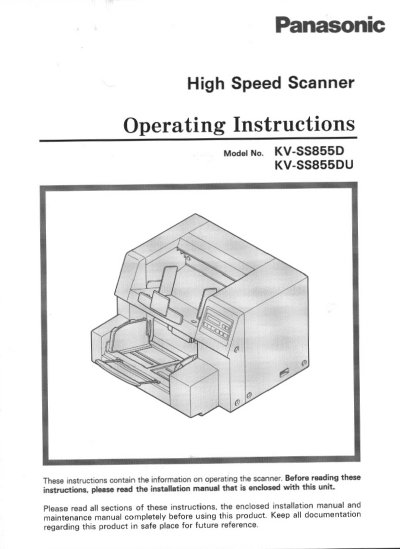
Panasonic KV-SS855D High Speed Scanner Operating Instructions
This document provides operating instructions for the Panasonic KV-SS855D High Speed Scanner. It details how to set up the device components, including the hopper position, counter, imprinter, and scanner settings. The guide also explains how to load documents, select paper paths, and handle multiple-sheet feeding issues.
Read onlinePanasonic KV-SS855 specifications
| CPU Requirement | 486 DX 66 MHz or higher (Pentium 166 MHz or higher is recommended.) |
|---|---|
| Memory Requirement | 16 MB or higher (64 MB or higher is recommended.) |
| Operating System | Windows 3.1 / Windows 95 / Windows 98 / Windows NT |
| Recommended SCSI Board | Adaptec Brand AHA-1540 Series or AHA-2940 Series |
Source: Panasonic KV-SS855D High Speed Scanner Operating Instructions
All Panasonic KV-SS855 documents by type
Day-to-day operation, settings and troubleshooting. Start here if the product is already set up.
Questions answered in these manuals
What is the minimum CPU required for this scanner?
The minimum requirement is a 486 DX 66 MHz or higher processor.
From: Panasonic KV-SS855D High Speed Scanner Operating Instructions
Is it recommended to use an extension cord with this unit?
No, the instructions state not to use an extension cord.
From: Panasonic KV-SS855D High Speed Scanner Operating Instructions
What is the model number of this scanner?
The model number is KV-SS855.
From: Panasonic KV-SS855 High Speed Scanner Operation Manual
What is the maximum number of pages this scanner can handle per setting?
The hopper position settings allow for up to 1,000 pages.
From: Panasonic KV-SS855 High Speed Scanner Operation Manual