
Key facts
- Brand
- Panasonic
- Model
- KX-TG2248S
- Industry
- Appliances
- Documents
- 2
- Languages
- EN
- Last added
- 2012-08-07
Start here
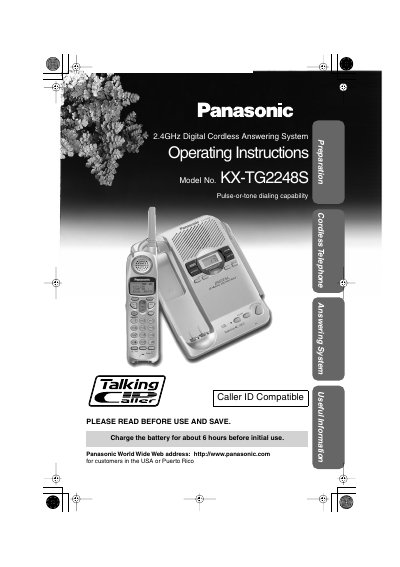
Panasonic KX-TG2248S Cordless Telephone Operating Instructions
This document provides operating instructions for the Panasonic KX-TG2248S cordless telephone system. It details how to install the battery, connect the unit, and configure various features such as Caller ID, Call Waiting, and the answering system. The manual also explains how to use the phone book, intercom functions, and special dialing modes.
Read onlinePanasonic KX-TG2248S specifications
| Frequency Range | 2.402 GHz — 2.480 GHz |
|---|---|
| Power Supply (Base) | AC Adaptor (120 V AC, 60 Hz) |
| Battery Type | Ni-MH battery (2.4 V, 1,500 mAh) |
| Security Codes | 1,000,000 |
| Operating Environment | 5 °C — 40 °C (41 °F - 104 °F) |
Source: Panasonic KX-TG2248S Cordless Telephone Operating Instructions
All Panasonic KX-TG2248S documents by type
Day-to-day operation, settings and troubleshooting. Start here if the product is already set up.
Questions answered in these manuals
How long should the battery be charged before initial use?
Charge the battery for about 6 hours before initial use.
From: Panasonic KX-TG2248S Cordless Telephone Operating Instructions
What is the recommended location for the base unit?
Place it in a high and central location away from electrical appliances or other cordless phones.
From: Panasonic KX-TG2248S Cordless Telephone Operating Instructions
Where can I find the complete operating instructions?
The complete operating instructions are available online in PDF format from the Customer Support section of www.panasonic.com.
From: Panasonic KX-TG2248S Cordless Answering System Control Panel Guide
What is the function of the Navigator key?
The Navigator key is a concave key located in the center of the handset and also works as a volume key.
From: Panasonic KX-TG2248S Cordless Answering System Control Panel Guide