
Panasonic WV-NW484S Network Camera Operating Instructions

This document is an operating instruction for the WV-NW484S network camera, providing information on installation and connection steps, as well as cautions and warnings.
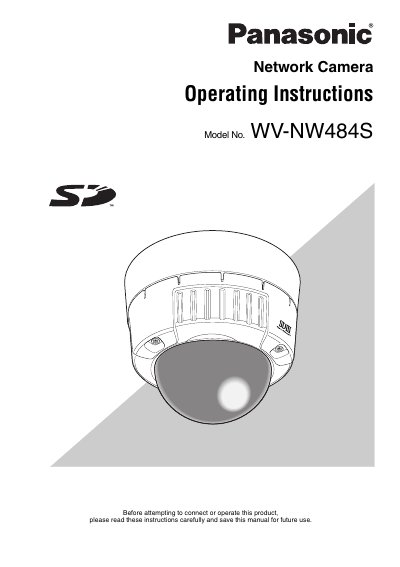

Panasonic WV-NW484S Network Camera Operating Instructions - cover page
Brand
Panasonic
Category
Player
Document type
User Manual
Language
English
Pages
50
File format
PDF
File size
996 KB
Published
08 August, 2012
Updated
29 September, 2023
MD5 checksum
70108F501B9897321D3382D382ABD955

About this manual

This document provides operating instructions for the Panasonic WV-NW484S network surveillance camera. It details features such as Super Dynamic II, Auto Back Focus, Video Motion Detector (VMD), and Power over Ethernet (PoE) compliance. The manual explains how to install the unit physically and connect it to a Local Area Network (LAN).

What's inside

  • Important Safety Instructions
  • Features
  • System requirements for a PC
  • Network Security
  • Super Dynamic II (SUPER-D II)
  • Motion Detector
  • Privacy Zone Setting
  • Auto Back Focus Function
  • Recording to an SD Memory Card
  • Power over Ethernet

Specifications

Network Terminal10BASE-T/100BASE-TX
Power SupplyIEEE802.3af-compliant PoE

Frequently asked questions

What are the system requirements for a PC to view images?

The PC must have a Pentium 4 2.4 GHz or faster CPU, 512 MB memory, and Microsoft Windows 2000/XP with Internet Explorer.

Does the camera support motion detection?

Yes, it includes a VMD (Video Motion Detector) function for detecting motion of an intruder.

Download PDF (996 KB)

More Panasonic Manuals


View all Panasonic manuals →