
Key facts
Start here
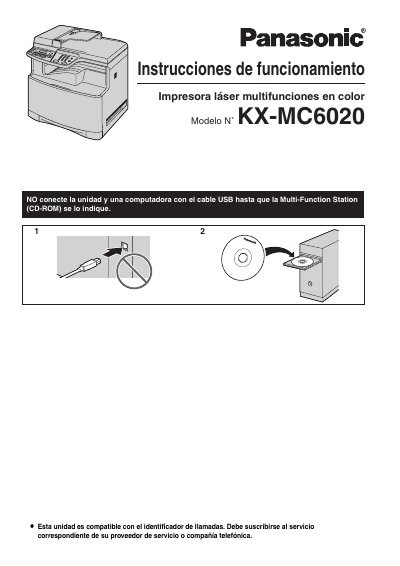
Panasonic KXMC6020-SPA Manual
This document is the Spanish user manual for the Panasonic KX-MC6020 color laser multifunction printer. It provides instructions for installation, operation, and maintenance of the device, which supports printing, scanning, copying, and faxing functions. The manual includes details on connecting the unit to a computer via USB or LAN, configuring settings, and using various features like caller ID and distinctive ring. This manual is written in Spanish.
Read onlinePanasonic KX-MC6020 specifications
| Laser output power | 6.5 mW |
|---|---|
| Laser wavelength | 770–800 nm |
| Weight | 30 kg |
Source: Panasonic KX-MC6020HK Multi-Function Station User Manual
All Panasonic KX-MC6020 documents by type
Day-to-day operation, settings and troubleshooting. Start here if the product is already set up.
Questions answered in these manuals
How much does the printer weigh?
The unit weighs approximately 30 kg (67 lb).
How long can the drum cartridge be exposed to light?
Do not expose it to light for more than 45 seconds.
How should the toner cartridge and imaging drum be replaced?
Use only Panasonic‑branded cartridges and drums, avoid exposing the drum to light for more than 45 seconds, and do not touch the green drum surface.
From: Panasonic KX-MC6020HK Multi-Function Station User Manual
What safety precautions are required for the laser unit?
The laser emits up to 6.5 mW at a wavelength of 770–800 nm; avoid looking directly at the laser and keep the unit away from eyes and reflective surfaces.
From: Panasonic KX-MC6020HK Multi-Function Station User Manual