
Key facts
- Brand
- Panasonic
- Model
- KX-HCM280
- Category
- Digital cameras
- Documents
- 2
- Languages
- EN
- Last added
- 2012-08-08
Start here
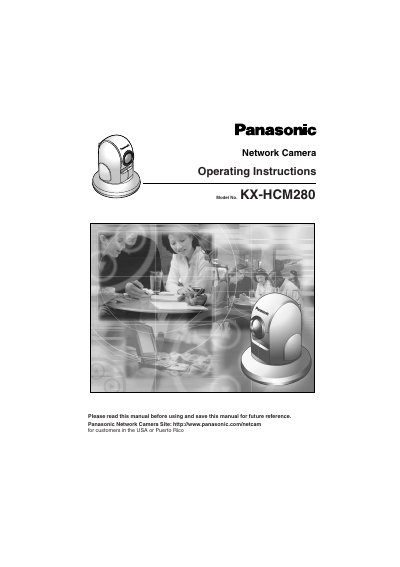
Panasonic KX-HCM280 Network Camera Operating Instructions
This manual provides operating instructions for the Panasonic KX-HCM280 Network Camera. It details the unboxing process, installation procedures including mounting on a table or ceiling, and network configuration options such as setting IP addresses and using the Setup CD-ROM. The guide explains how to access the camera via a web browser to control features like pan/tilt/zoom, view multi-camera screens, and adjust image settings like resolution and refresh rates.
Read onlinePanasonic KX-HCM280 specifications
| Operating System | Microsoft Windows XP, 2000, Me, 98SE |
|---|---|
| Recommended CPU (Single Camera) | Pentium III (800 MHz or greater) |
| Recommended CPU (Multiple Cameras) | Pentium 4 (1.8 GHz or greater) |
| Network Interface | 10/100 Mbps network card |
| Web Browser | Internet Explorer 6.0 or later |
| Operating Temperature | 0 °C to +40 °C |
Source: Panasonic KX-HCM280A Network Camera Installation and Troubleshooting Guide
All Panasonic KX-HCM280 documents by type
Mounting, wiring and first power-up. Read it before the hardware goes in.
Day-to-day operation, settings and troubleshooting. Start here if the product is already set up.
Questions answered in these manuals
What are the system requirements for viewing a single camera?
For a single camera, a Pentium III processor with 800 MHz or greater is recommended.
From: Panasonic KX-HCM280A Network Camera Installation and Troubleshooting Guide
Can the camera be used outdoors?
No, the camera is intended for indoor use only.
From: Panasonic KX-HCM280A Network Camera Installation and Troubleshooting Guide
What is included in the box?
The box contains the Network Camera, Operating Instructions, Getting Started guide, AC Adaptor, AC Cord, Ceiling Mounting Cover, Ceiling Plates, Setup CD-ROM, and Screws.
From: Panasonic KX-HCM280 Network Camera Operating Instructions
Can I view multiple cameras at once?
Yes, using the Multi-Camera screen, you can simultaneously view up to four Network Cameras at various locations.
From: Panasonic KX-HCM280 Network Camera Operating Instructions