
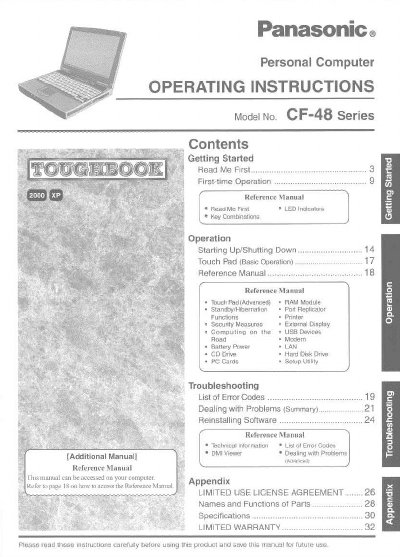
This document serves as the operating instructions manual for the Panasonic CF-48 Series personal computer. It provides guidance on getting started with the device, including first-time operations and key combinations. The manual details how to start up and shut down the system, use the touch pad, manage power settings like standby and hibernation, and utilize various ports such as USB, LAN, and CD drives.
It means to click [Start], then to click [Shut Down].
Press and hold the [Fn] key, then press the [F5] key.
The Reference Manual is available on your computer; refer to page 18 for access instructions.