
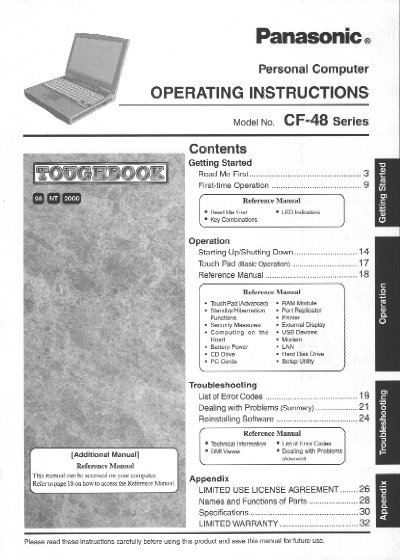
This document provides operating instructions for the Panasonic CF-48 Series personal computer. It includes guidance on getting started with the device, performing initial-time operations, and using various functions such as the touch pad and keyboard combinations.
The manual also covers starting up and shutting down procedures, utilizing external devices like printers and USB drives, managing battery power and LAN connections, and interpreting error codes to deal with problems. It serves as a comprehensive guide for end users to operate their new Panasonic computer effectively.
It indicates that you should press and hold the Fn key, then press the F5 key.
The model number for this computer is CF-48 Series.
The sum of RENs should not exceed five (5.0).
You must use a No.26 AWG or larger communication line cord.