
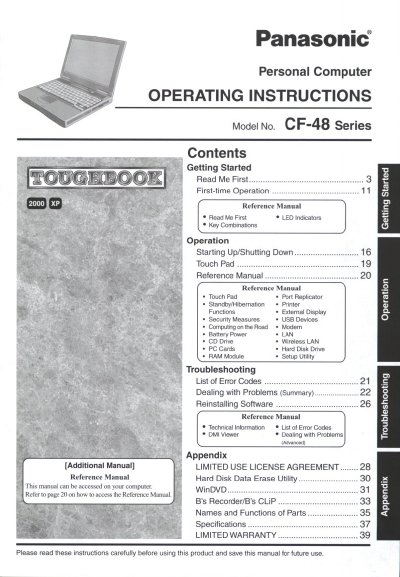
Panasonic CF-48 Series Personal Computer Operating Instructions


Panasonic CF-48 Series Personal Computer Operating Instructions - cover page
Brand
Panasonic
Category
Laptops
Document type
User Manual
Language
English
Pages
44
File format
PDF
File size
2.6 MB
Published
08 August, 2012
Updated
30 August, 2012
MD5 checksum
554CD968A990E9959EA20BBC493B8472

About this manual

This document serves as the operating manual for the Panasonic CF-48 Series personal computers. It provides guidance on getting started with first-time operation, including reading initial information and performing basic tasks.

The guide details various operational functions such as starting up and shutting down the system, using the Touch Pad, managing power (battery), connecting external devices like printers and modems, and utilizing wireless LAN capabilities.

What's inside

  • Getting Started
  • Starting Up/Shutting Down
  • Touch Pad
  • Port Replicator
  • Security Measures
  • USB Devices
  • Modem
  • Battery Power
  • LAN
  • Troubleshooting

Frequently asked questions

What is the model number format for this computer?

The model number consists of a 12-digit number located on the bottom of the computer.

Where can I find more detailed reference information?

Detailed reference manuals are available on the computer itself and can be accessed via the Start menu.

Download PDF (2.6 MB)

More Panasonic Manuals


View all Panasonic manuals →