
This document is the operation manual of AJ-PCD20P and AJ-PCD20E, including safety instructions, operating instructions, troubleshooting, etc.
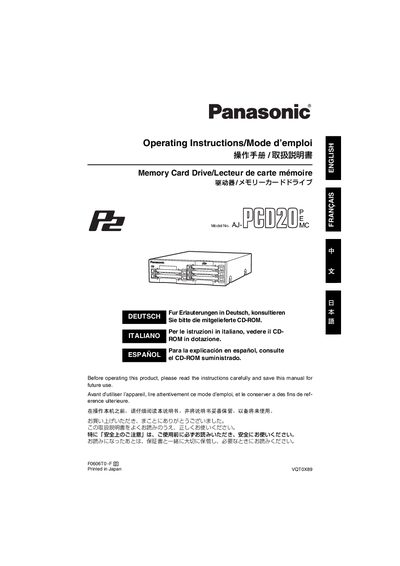
The AJ‑PCD20 is a P2‑card data‑transfer device that connects to a personal computer via USB 2.0 or IEEE1394b. It supports high‑speed transfer of video clips from P2 memory cards and can be used as an external or internal drive.
The manual covers safety precautions, required accessories, panel descriptions, card insertion, write‑protection, installation procedures for both external and internal use, driver installation, and detailed technical specifications.
| External dimensions (W × H × D) | 148.4 mm × 42.5 mm × 199.5 mm |
|---|---|
| Weight | 1.2 kg |
| Operating temperature | 0 °C to +40 °C |
| Operating humidity | 0 % to 90 % (non‑condensing) |
| Power (external use) | DC 16 V 0.6 A via AC adapter |
| Power (internal mount) | DC 12 V 0.8 A |
| AC adapter input | 100 V‑240 V, 0.9 A‑0.5 A, 50‑60 Hz |
| Supported operating systems | Windows XP SP2+, Windows 2000 SP4+, Mac OS X 10.3.9‑10.4.6 |
| Minimum RAM | 512 MB (recommended) |
When installed internally, the drive uses a DC 12 V, 0.8 A power source supplied by the computer’s internal power connectors.