
This is a manual of HP LaserJet 3300mfp, HP LaserJet 3300se mfp, HP LaserJet 3310mfp, HP LaserJet 3320mfp
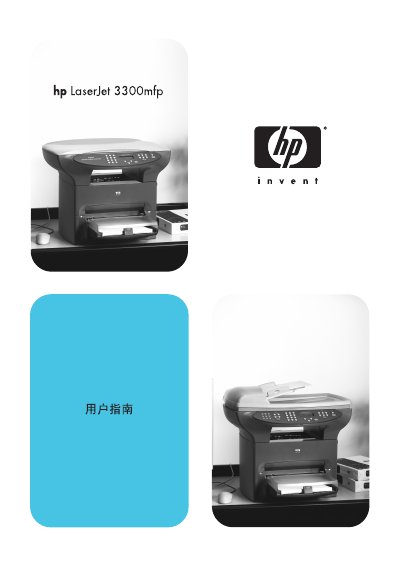
This manual covers the installation of the HP LaserJet 3300mfp, including hardware setup and driver installation for both Windows and Macintosh operating systems. It also explains how to use the printer’s core functions such as printing, copying, scanning, and faxing.
Additional sections provide detailed troubleshooting steps, specifications, and references to HP support resources. The document includes driver installation guides, feature descriptions, and maintenance information to help users keep the device running smoothly.
Use the Windows driver installation section titled "Bog ATA ie Se ig (Windows)" in the manual.
Yes, the manual includes a Macintosh driver installation guide under "EEX ATA Dy iS Bee BRA ig & (Macintosh)".
Visit HP’s support page at www.hp.com/support/lj3300 for additional resources.