
This document is a user manual for the HP Photosmart 3300 All-in-One series, providing information about the features and characteristics of the products in this series.
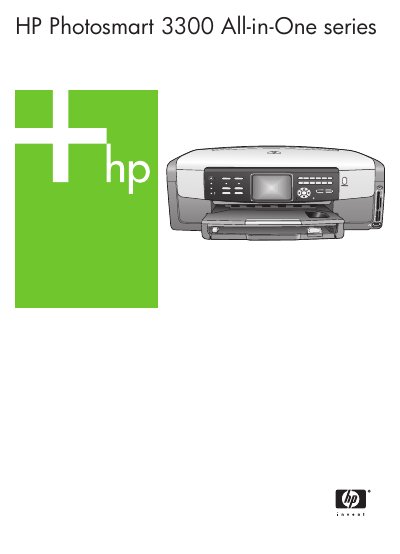
The manual introduces the HP Photosmart 3300 All-in-One printer, describing its hardware components, control panel, and the HP Image Zone software that enables printing, scanning, copying, faxing, and photo/video functions. It guides users through initial setup, network configuration (wired and wireless), and loading paper and media.
Further sections cover using the device for photo and video printing, sharing images via HP Instant Share, ordering supplies, routine maintenance, troubleshooting, and detailed technical specifications such as paper capacities, print speeds, and scanner resolution. This manual is written in Chinese.
| Main paper tray capacity | 100 sheets |
|---|---|
| Photo paper tray capacity | 20 sheets |
| Device dimensions (H × L × W) | 22 cm × 46.4 cm × 39.5 cm |
| Device weight | 12 kg |
| Black‑and‑white copy speed | 32 pages per minute |
| Color copy speed | 31 pages per minute |
| Maximum scanner optical resolution | 4800 × 4800 dpi (up to 19 200 dpi enhanced) |
| Fax transmission rate | 33.6 kbps (≈3 seconds per page) |
The main paper tray can hold up to 100 sheets of paper.
The scanner can capture images at up to 4800 × 4800 dpi optical resolution, with an enhanced mode up to 19 200 dpi.
It can copy up to 32 black‑and‑white pages per minute.
Turn off the device and unplug it, then clean the glass plate as described in the maintenance section.