
Key facts
Start here
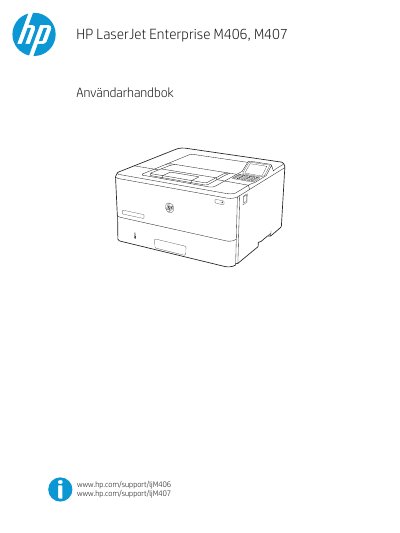
HP LaserJet Enterprise M406/M407 Printer User Guide
This Swedish-language user guide for the HP LaserJet Enterprise M406 and M407 describes the printer's parts, control panel, paper trays, and print operations. It also covers consumables and accessories, printer management through the embedded web server, and troubleshooting for paper jams, print quality, and network connections.
The document includes service and support information, warranty statements, environmental product stewardship, and regulatory notices. The table of contents lists detailed procedures for loading paper, replacing toner cartridges, mobile printing, and resetting factory settings. This manual is written in Swedish.
HP LaserJet Enterprise M406/M407 specifications
| Print speed (A4) | 38 ppm M406dn, 40 ppm M407dn |
|---|---|
| Print speed (Letter) | 40 ppm M406dn, 42 ppm M407dn |
| Memory | 1 GB base memory |
| Storage | 4 GB eMMC |
All HP LaserJet Enterprise M406/M407 documents by type
Day-to-day operation, settings and troubleshooting. Start here if the product is already set up.
Questions answered in these manuals
Which printer models does this guide cover?
It covers the HP LaserJet Enterprise M406 and M407.
What information does this manual contain?
It contains information about configuration, use, warranty, safety, and the environment.
How do I reset factory settings?
You can reset factory settings from the printer control panel or via the HP Embedded Web Server for network-connected printers.
What are the paper handling features?
The M406dn includes Tray 1 (100-sheet) and Tray 2 (250-sheet), while the M407dn adds an optional 550-sheet accessory tray.