
Key facts
- Brand
- Brother
- Model
- MFC-7420
- Documents
- 4
- Languages
- ZH
- Last added
- 2026-10-13
Start here
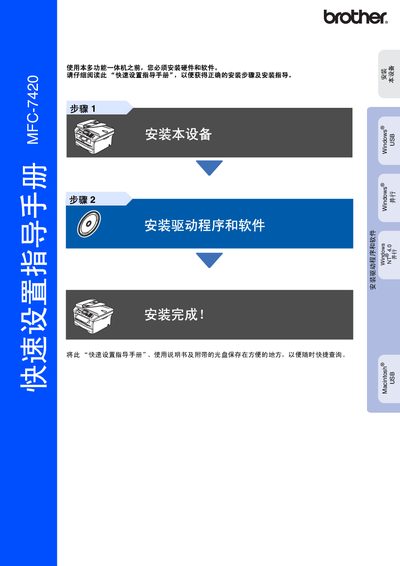
Brother MFC-7420 Quick Setup Guide
This document is a quick setup guide for the Brother MFC-7420 multifunction machine. It covers essential initial configuration steps required before using the device, including hardware installation and driver/software setup.
The guide details how to install the toner unit assembly, load paper into the tray, connect power and telephone lines, and configure basic settings such as date/time, station ID, and display contrast. It also provides specific instructions for installing the MFL-Pro Suite software on various Windows operating systems (Windows 98/Me/2000/XP) and Mac OS X. This manual is written in Chinese.
Brother MFC-7420 specifications
| Product Type | Multifunction Machine |
|---|---|
| Compatible OS (Windows) | Windows 98/98SE/Me/2000 Professional/XP |
| Compatible OS (Mac) | Mac OS X 10.2.4 or higher |
All Brother MFC-7420 documents by type
Day-to-day operation, settings and troubleshooting. Start here if the product is already set up.
The shortest path to a working setup, usually only a few pages.
Questions answered in these manuals
What are the available receive modes for this device?
The four available receive modes are Fax Only, Fax/Tel, Manual, and External TAD.
What is the maximum length for a USB cable?
The USB cable length should not exceed 2 meters.
How do I install the Brother printer driver on Windows?
Insert the supplied CD or download the driver from the Brother Solutions Center, then run the installation program to install the driver for Windows.
From: Brother DCP-7010, DCP-7025, MFC-7220, MFC-7420 Software User Manual
Can the DCP‑7010 or DCP‑7025 print while sending a fax?
Printing continues while a fax is being sent, but printing pauses when the device is receiving a fax or copying.
From: Brother DCP-7010, DCP-7025, MFC-7220, MFC-7420 Software User Manual
What type of paper is recommended for best print quality?
Use ordinary copy paper with a weight of 75‑90 g/m², neutral pH, and avoid acidic or alkaline paper.
What safety precautions should be followed when using the Brother MFC-7420?
Do not place the printer near water sources, avoid using it during thunderstorms, and keep it away from wet or humid locations.