
This guide provides step-by-step instructions for installing the hardware, drivers, and software for the Brother MFC-7420 multifunction printer.
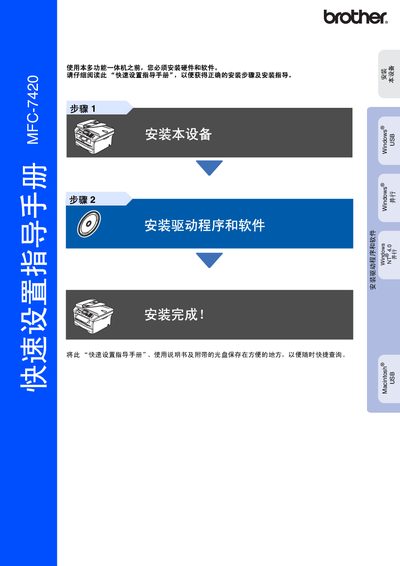
This document is a quick setup guide for the Brother MFC-7420 multifunction machine. It covers essential initial configuration steps required before using the device, including hardware installation and driver/software setup.
The guide details how to install the toner unit assembly, load paper into the tray, connect power and telephone lines, and configure basic settings such as date/time, station ID, and display contrast. It also provides specific instructions for installing the MFL-Pro Suite software on various Windows operating systems (Windows 98/Me/2000/XP) and Mac OS X. This manual is written in Chinese.
| Product Type | Multifunction Machine |
|---|---|
| Compatible OS (Windows) | Windows 98/98SE/Me/2000 Professional/XP |
| Compatible OS (Mac) | Mac OS X 10.2.4 or higher |
The four available receive modes are Fax Only, Fax/Tel, Manual, and External TAD.
The USB cable length should not exceed 2 meters.