
Key facts
- Brand
- Brother
- Model
- MFC-7225N
- Category
- Fax machine
- Industry
- Computers
- Documents
- 4
- Languages
- EN
- Last added
- 2012-07-02
Start here
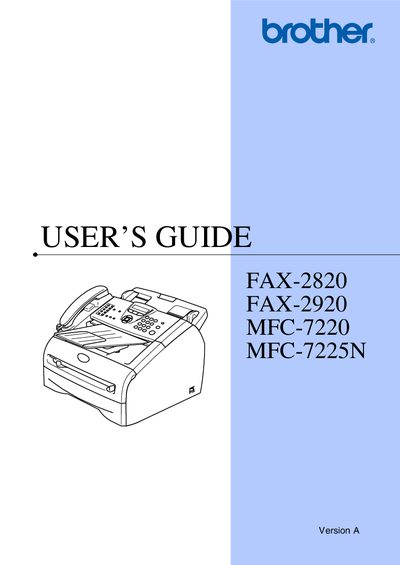
Brother FAX-2820 / FAX-2920 / MFC-7220 / MFC-7225N User Manual
This guide provides instructions for installing, registering, and operating Brother's FAX-2820, FAX-2920, MFC-7220 and MFC-7225N fax and multifunction devices. It includes details on warranty coverage, accessory ordering, and contact information for service centers in the United States and Canada.
The manual also contains a quick‑setup guide, frequently asked questions, equipment attachment limitations, and safety notices. Users can find information on how to register the product online, obtain driver updates, and request warranty service.
All Brother MFC-7225N documents by type
Day-to-day operation, settings and troubleshooting. Start here if the product is already set up.
Questions answered in these manuals
How can I register my product with Brother?
You can register your new product on-line at http://www.brother.com/registration.
From: Brother FAX-2820/2910/2920 MFC-7220/7225N User's Guide
What is the warranty period for Brother machines?
Machines are covered by a one-year limited warranty from the original purchase date.
From: Brother FAX-2820/2910/2920 MFC-7220/7225N User's Guide
How can I register my product with Brother?
You can register your new product on-line at http://www.brother.com/registration.
From: Brother FAX-2820/2910/2920 MFC-7220/7225N User's Guide
What is the warranty period for Brother machines?
Machines are covered by a one-year limited warranty from the original purchase date.
From: Brother FAX-2820/2910/2920 MFC-7220/7225N User's Guide
What is the warranty period for the machine and its consumables?
The machine is covered for one year from the purchase date, and consumable items are covered for 90 days or their rated life, whichever comes first.
From: Brother FAX-2820 / FAX-2920 / MFC-7220 / MFC-7225N User Manual
What is the maximum Ringer Equivalence Number allowed for devices attached to the telephone interface?
The total REN of all attached devices must not exceed five.
From: Brother FAX-2820 / FAX-2920 / MFC-7220 / MFC-7225N User Manual