
This is the user manual for Brother MFC-7420, which includes safety instructions, quick reference guide and more.
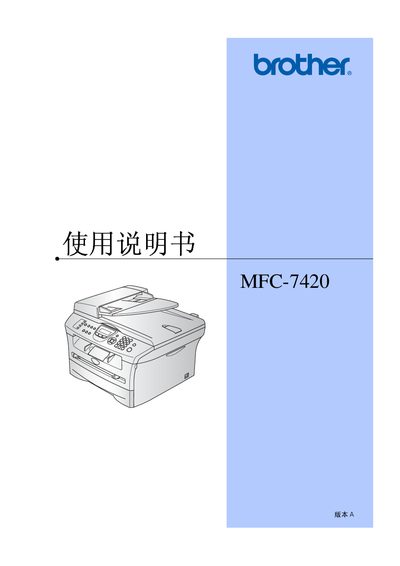
This manual covers the complete operation of the Brother MFC-7420 multifunction printer, including installation, paper handling, scanning, faxing, copying, and maintenance. Safety warnings and regulatory information are also provided to ensure safe use.
Detailed sections guide users through initial setup, configuring dates and times, adjusting audio and dialing settings, using the automatic document feeder, and troubleshooting common issues such as paper jams and fax errors. This manual is written in Chinese.
| Laser diode wavelength | 770‑810 nm |
|---|---|
| Laser output power | Maximum 5 mW |
| Laser safety class | Class 3B |
| Recommended paper weight | 75‑90 g/m² |
| USB cable length limit | ≤ 2.0 m |
Use ordinary copy paper with a weight of 75‑90 g/m², neutral pH, and avoid acidic or alkaline paper.